Complete ChatGPT Workflow Guide
Master ChatGPT with this comprehensive workflow guide. Learn advanced prompting techniques, productivity workflows, and time-saving tips used by AI power users.
What You'll Learn
- Master advanced prompting techniques for better ChatGPT outputs
- Build efficient productivity workflows for content creation and research
- Learn keyboard shortcuts and time-saving tips
- Use custom instructions and plugins effectively
- Apply iterative refinement for professional results
Tools Required:
Ready to Get Started?
Try ChatGPT and follow along with this workflow:
💡 This is an affiliate link. We may earn a commission if you sign up, at no extra cost to you.
What You'll Learn
This comprehensive workflow guide teaches you how to leverage ChatGPT effectively for professional writing, research, and problem-solving tasks. You'll discover battle-tested techniques that transform ChatGPT from a simple chatbot into your most productive AI assistant.
Whether you're a content creator, researcher, developer, or business professional, this workflow will help you unlock ChatGPT's full potential and save hours of work every week.
Section 1: Understanding the ChatGPT Dashboard
When you first log into ChatGPT, you're greeted with a clean, intuitive interface designed for productivity. The dashboard is your command center for all AI interactions.
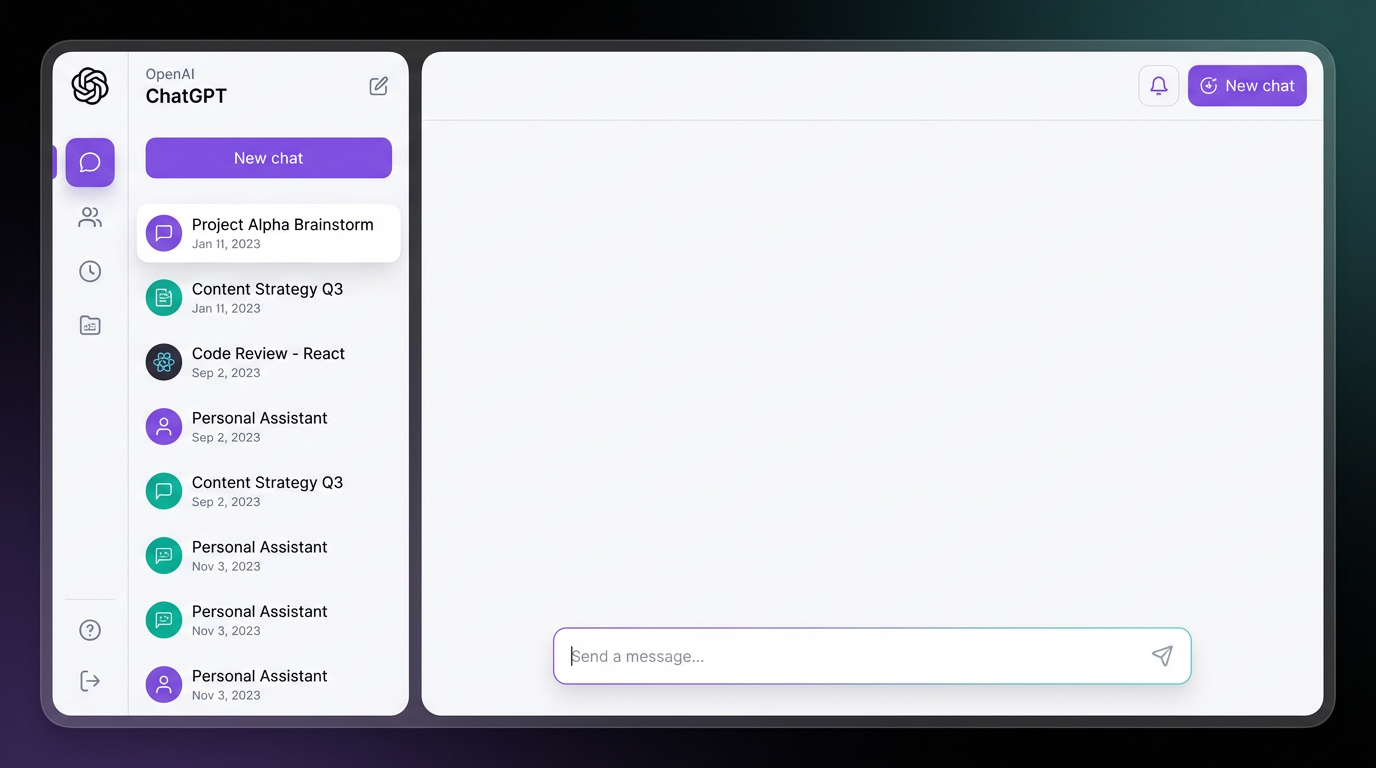
This dashboard shows the main interface where you'll spend most of your time. On the left sidebar, you'll see your conversation history organized chronologically. The center panel is your workspace where conversations happen in real-time.
Key Dashboard Features:
1. Conversation History
Every chat is automatically saved and searchable. Use descriptive first messages to make conversations easy to find later. You can organize conversations by creating folders and applying custom names.
2. Model Selection
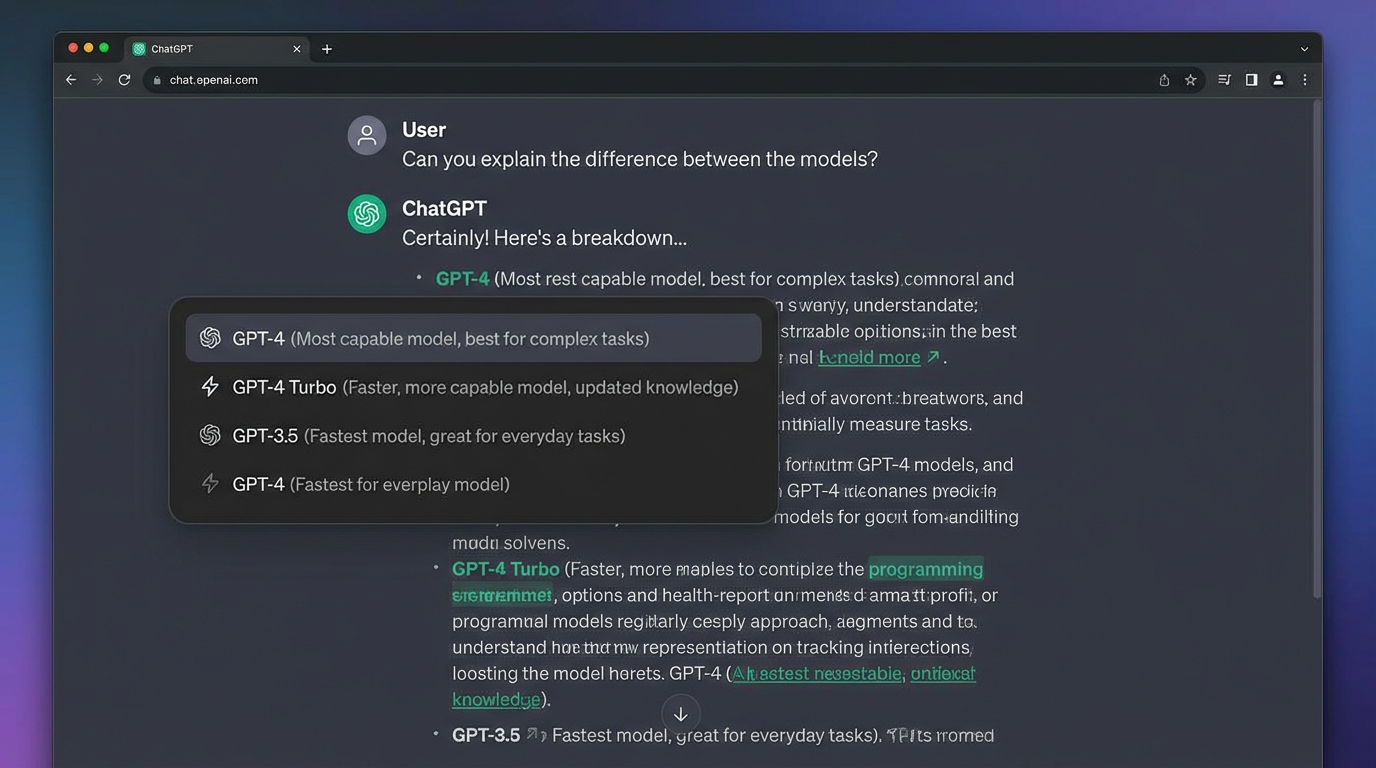
Switch between GPT-3.5 (faster, free tier) and GPT-4 (more capable, requires Plus subscription) depending on your task complexity. GPT-4 excels at:
- Complex reasoning and analysis
- Longer context retention (up to 8,000 tokens)
- More nuanced understanding of instructions
- Creative writing with better coherence
3. New Chat Button
Start fresh conversations for different topics. This prevents context confusion and ensures ChatGPT focuses on your current task without distraction from previous conversations.
4. Settings & Preferences
Customize your experience with data controls, theme options, and keyboard shortcuts. Power users recommend enabling:
- Dark mode for extended sessions
- Keyboard shortcuts (Ctrl+Shift+N for new chat)
- Data controls to manage conversation history
Pro Dashboard Tips:
-
Use Clear Naming Conventions: Rename your chats immediately after creation. Instead of "New Chat," use "Blog Post: AI Trends 2025" or "Code Review: Python Script."
-
Archive Old Conversations: Keep your sidebar clean by archiving completed projects. This improves load times and helps you focus on active work.
-
Export Important Chats: Regularly export critical conversations as markdown or text files for backup and reference.
Section 2: Mastering Conversation Techniques
The quality of ChatGPT's output depends entirely on how you structure your prompts and guide the conversation. Here's how to communicate effectively:
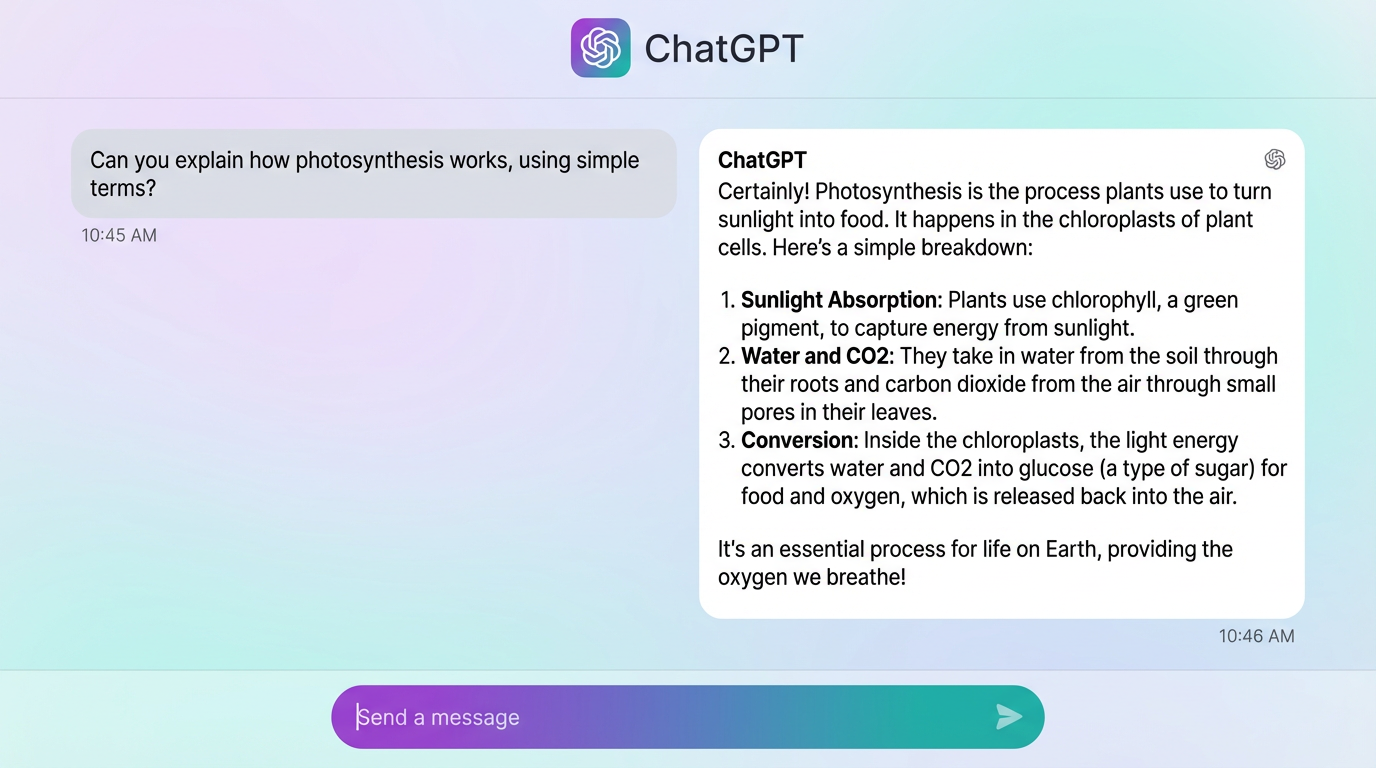
This shows how ChatGPT responds to prompts with detailed, structured answers. Notice the clear formatting, numbered lists, and logical flow.
The Anatomy of a Perfect Prompt
Great prompts follow this formula:
[ROLE] + [TASK] + [CONTEXT] + [FORMAT] + [CONSTRAINTS]
Example:
"You are an experienced technical writer (ROLE). Write a 500-word blog post (TASK) explaining quantum computing to business executives (CONTEXT) using an analogy-driven approach with 3 main sections (FORMAT). Avoid technical jargon and focus on practical business applications (CONSTRAINTS)."
Advanced Prompting Strategies
1. Chain-of-Thought Prompting
Ask ChatGPT to "think step by step" for complex problems:
- Mathematical calculations
- Logical reasoning tasks
- Multi-step processes
- Strategic planning
2. Few-Shot Learning
Provide 2-3 examples of desired output before asking for new content:
- Show the pattern you want
- Include format and style examples
- Then request similar output
3. Iterative Refinement
Don't accept first drafts. Use follow-ups like:
- "Make this more concise"
- "Add specific examples"
- "Rewrite for a technical audience"
- "Include statistics and data points"
Conversation Management Best Practices
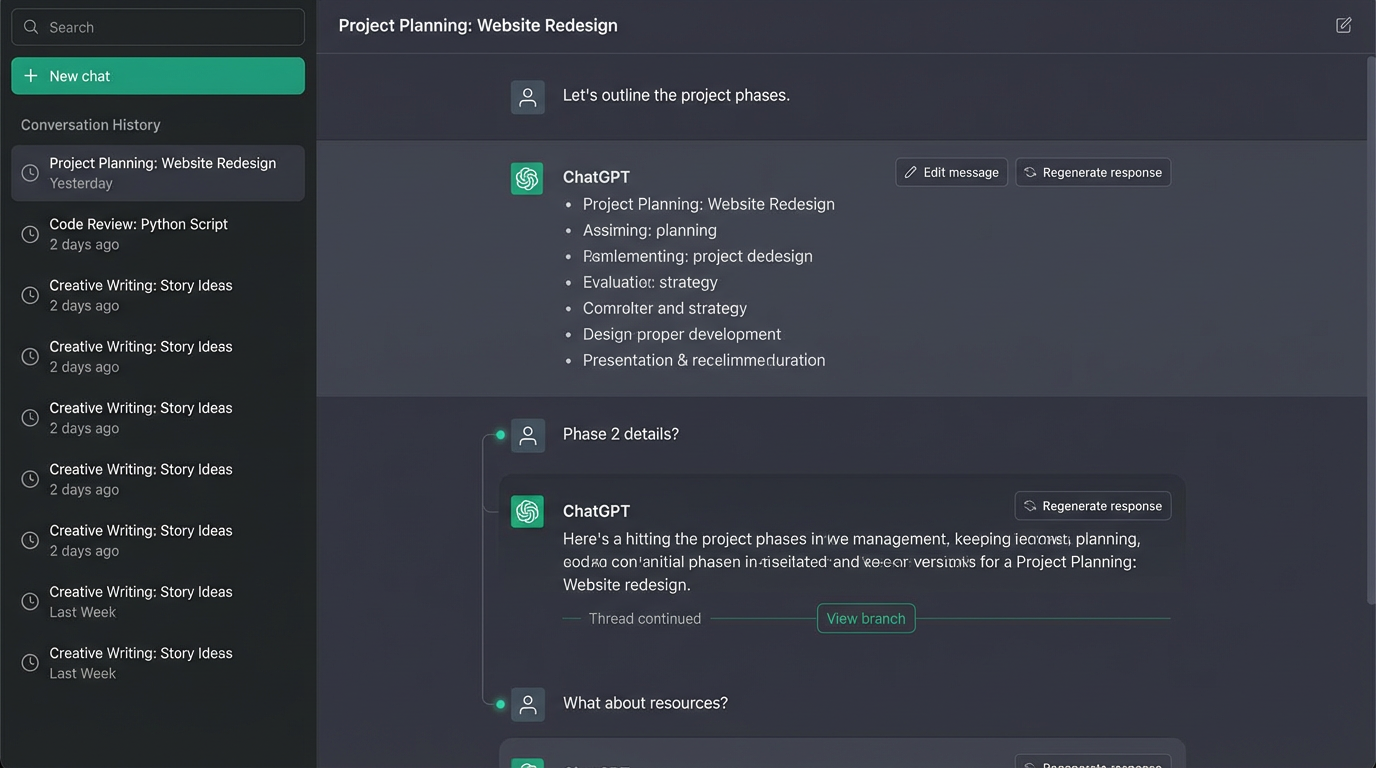
Keep Context Focused: Long conversations can cause "drift" where ChatGPT loses track of earlier instructions. For projects lasting 20+ exchanges, start a new chat and paste relevant context.
Use System Messages: Begin chats with clear role definitions:
"For this entire conversation, act as a senior marketing strategist with 15 years of B2B SaaS experience."
Request Structured Outputs: Always specify your desired format:
- Bullet points for quick reference
- Numbered lists for sequential steps
- Tables for comparisons
- Code blocks for technical content
Section 3: Productivity Workflows
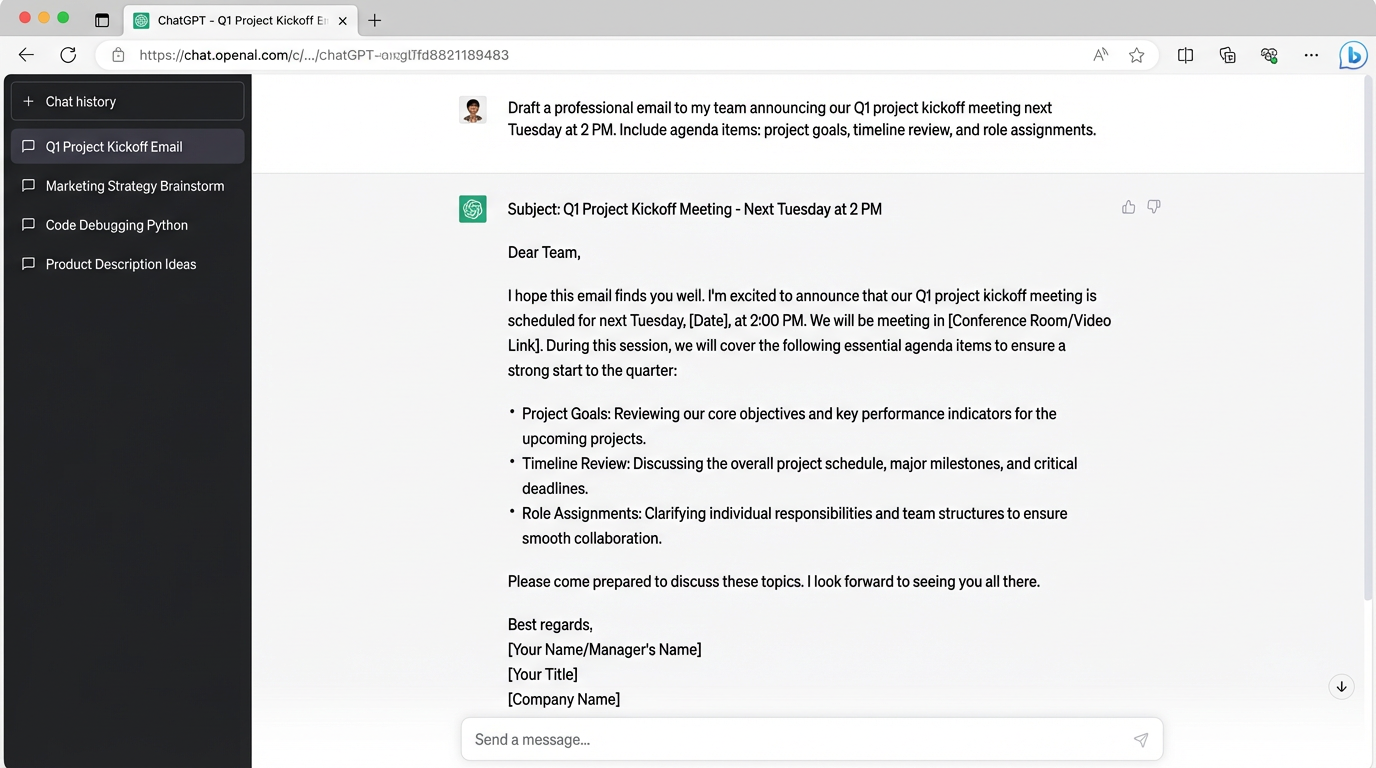
Content Creation Workflow
Step 1: Brainstorming (5 minutes)
Prompt: "Generate 10 unique angles for a blog post about (topic) targeting (audience)."
Step 2: Outline Generation (3 minutes)
Prompt: "Create a detailed outline for angle #3, including subheadings and key points for each section."
Step 3: Content Drafting (15 minutes)
Prompt: "Write the full blog post based on this outline. Target 1,500 words, use conversational tone, include 3 examples, and optimize for SEO keyword (keyword)."
Step 4: Refinement (5 minutes)
Prompt: "Review this content and improve:
- Clarity and readability
- Transition sentences between sections
- Call-to-action strength
- SEO optimization"
Research & Analysis Workflow
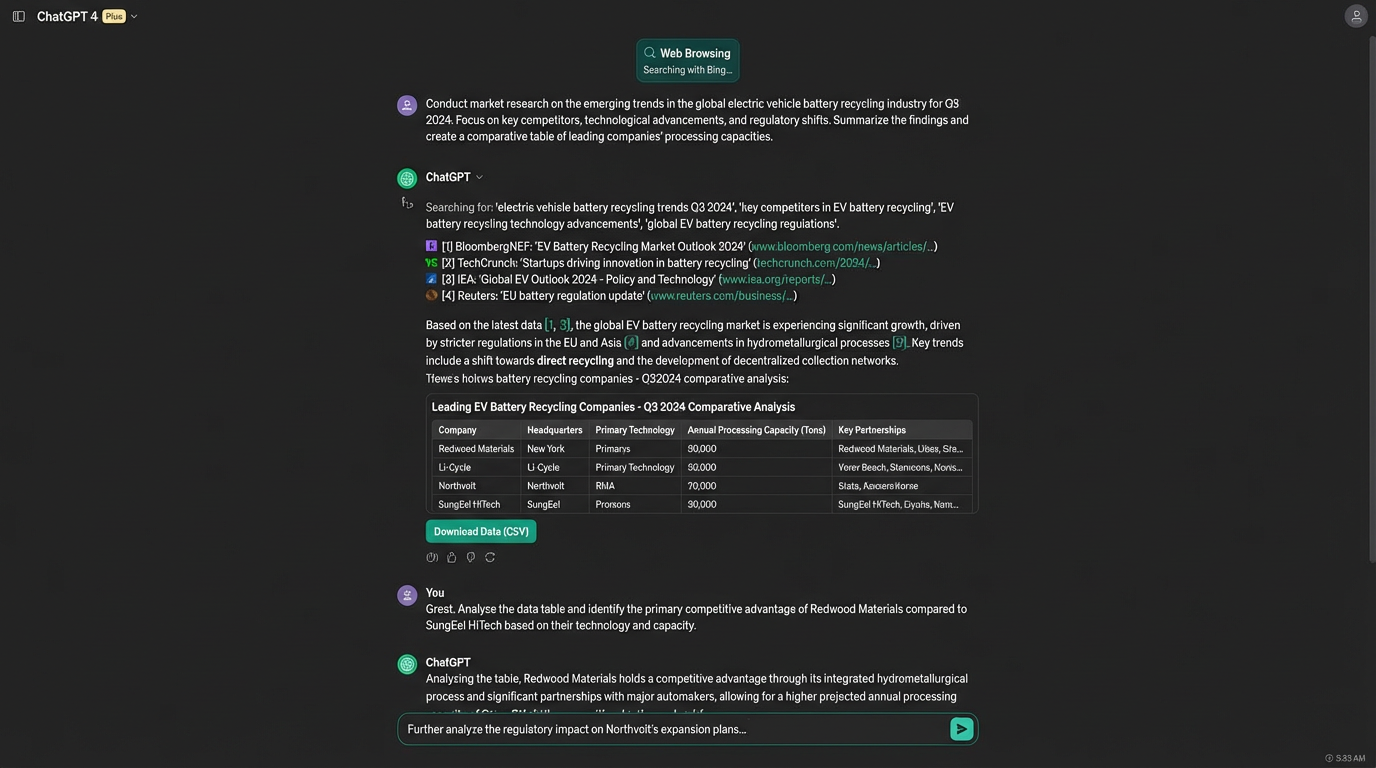
Deep-Dive Research:
- "Summarize the key concepts of (topic) in 200 words"
- "What are the 5 most important controversies or debates in this field?"
- "Compare and contrast (concept A) with (concept B) in a table format"
- "What are the practical applications and real-world examples?"
Competitive Analysis:
- "Analyze these 3 competitor websites: (URLs)"
- "Identify their unique value propositions"
- "Compare their pricing strategies in a table"
- "Suggest how our product can differentiate"
Code Review & Development
Code Review Prompt Template: "Review this (language) code for:
- Logic errors and bugs
- Performance optimizations
- Security vulnerabilities
- Code style and best practices
- Documentation improvements
(PASTE CODE)
Provide specific line-by-line feedback with severity ratings."
Debugging Workflow:
- Paste error message and relevant code
- Ask: "Explain what's causing this error"
- Request: "Provide 3 different solutions with pros/cons"
- Follow up: "Write the complete corrected code"
Section 4: Advanced Techniques
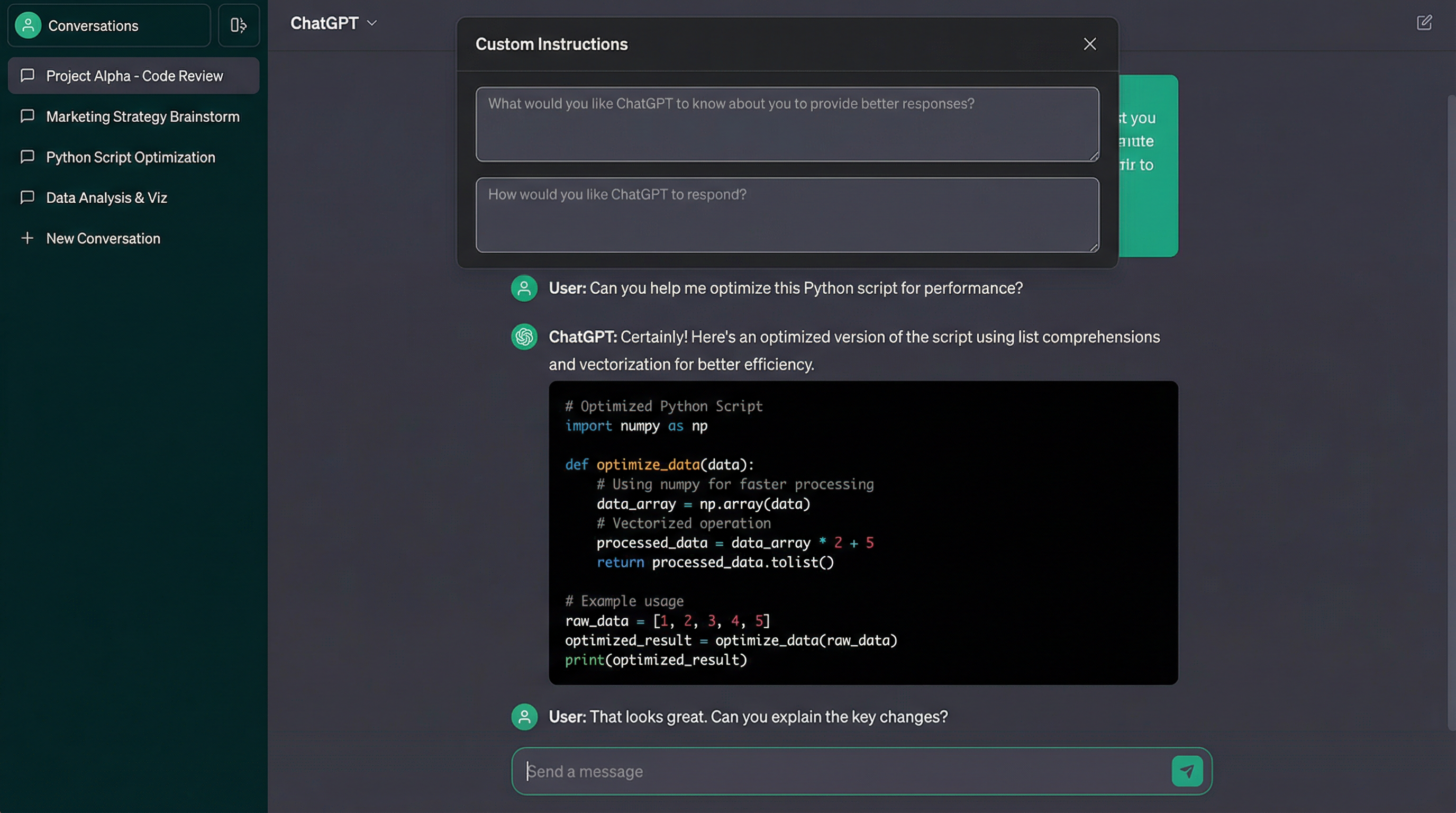
Custom Instructions
Set persistent preferences in Settings > Custom Instructions:
What would you like ChatGPT to know about you?
"I'm a senior product manager at a B2B SaaS company. I work with engineering, design, and marketing teams. I value data-driven insights, clear communication, and actionable recommendations."
How would you like ChatGPT to respond?
"Use concise language. Provide specific examples. Structure responses with clear headings. Include pros/cons for recommendations. Avoid obvious advice. Focus on advanced, tactical insights."
Plugin Integration (ChatGPT Plus)
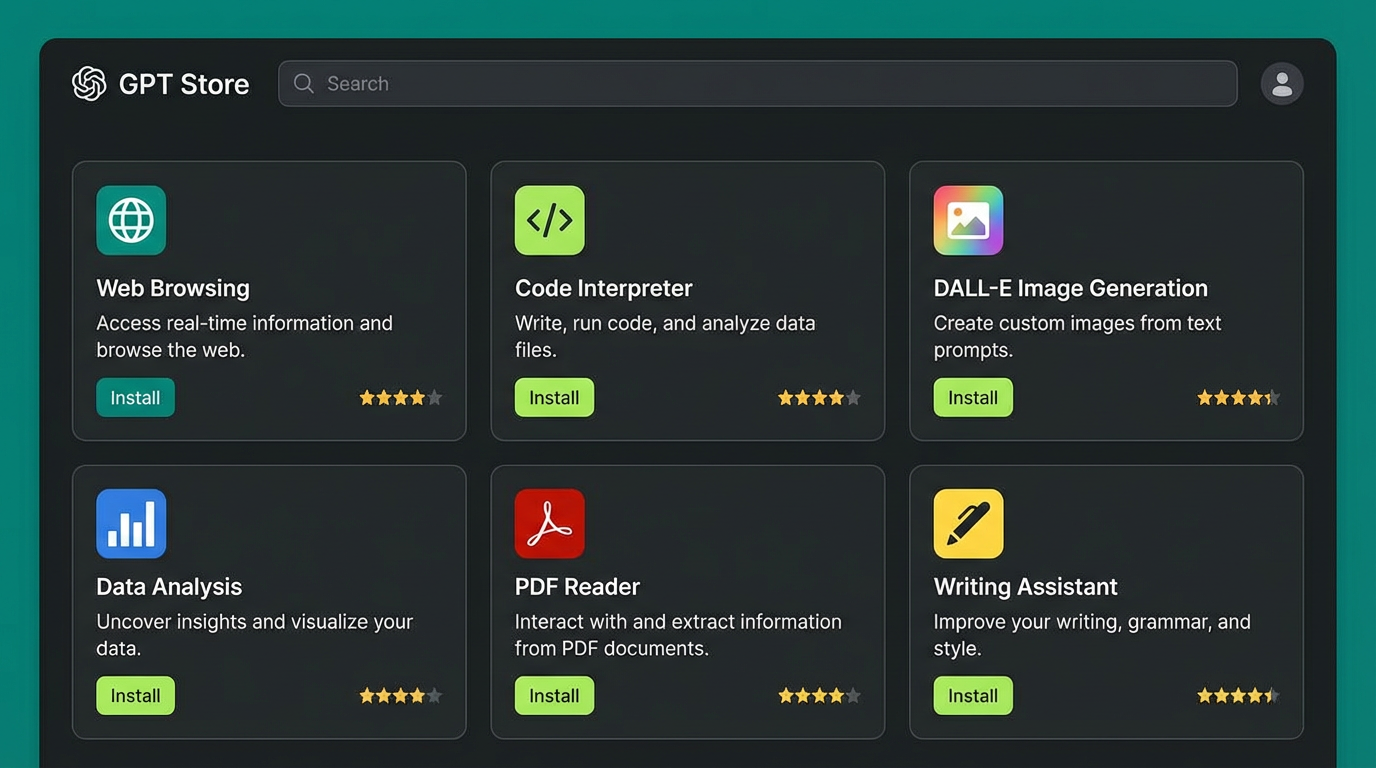
Plugins extend ChatGPT's capabilities:
Top Productivity Plugins:
- Wolfram: Complex calculations and data analysis
- Zapier: Workflow automation across apps
- WebPilot: Real-time web browsing and research
- Diagram: Visual flowcharts and mind maps
- Code Interpreter: Data analysis and visualization
Error Recovery Strategies
When ChatGPT produces incorrect or low-quality outputs:
1. Rephrase Your Prompt
Instead of: "Write about AI"
Try: "Write a 300-word executive summary explaining how generative AI is transforming customer service operations in e-commerce."
2. Provide Negative Examples
"Generate product descriptions. DON'T use clichés like 'game-changing' or 'revolutionary'. DON'T make unverifiable claims."
3. Request Self-Critique
"Review your previous response and identify 3 ways it could be improved. Then rewrite it incorporating those improvements."
Section 5: Time-Saving Tips
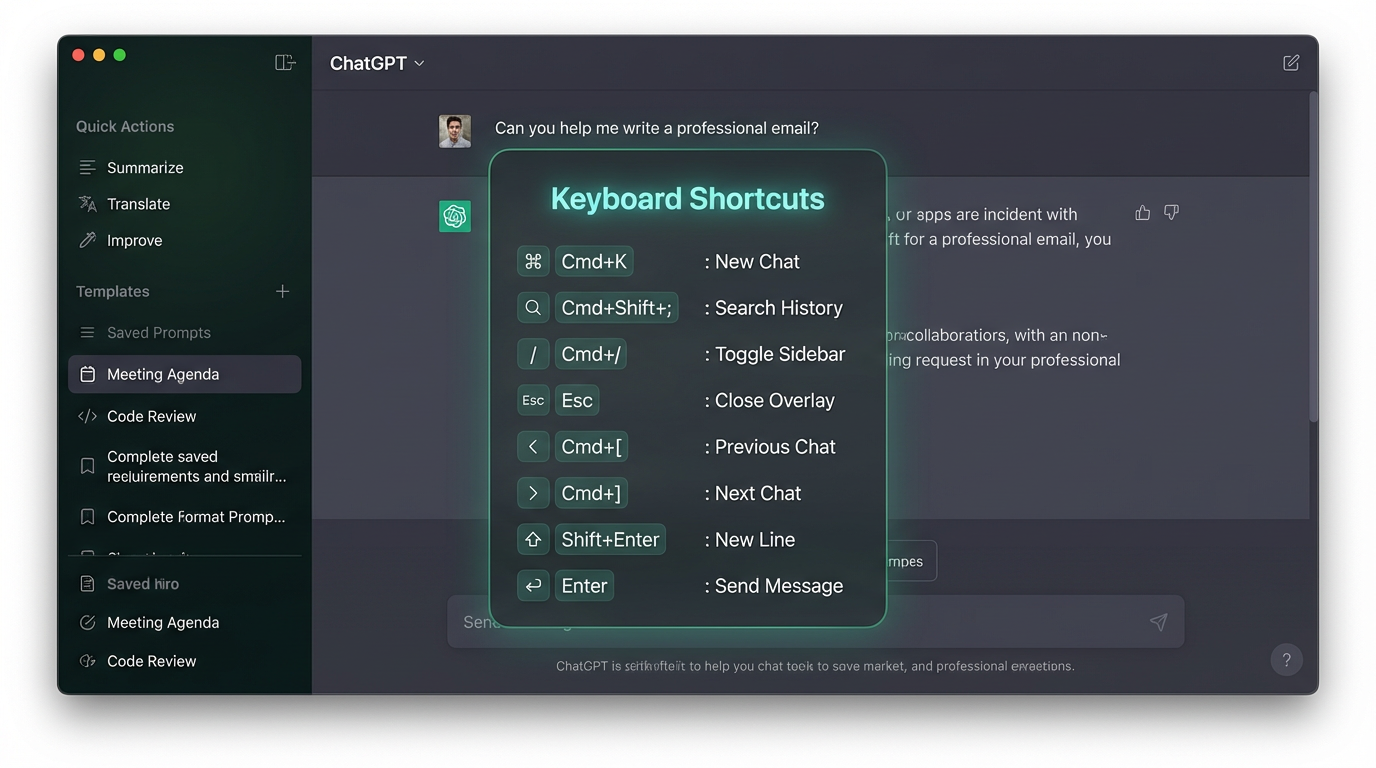
Keyboard Shortcuts
- Ctrl/Cmd + Shift + ;: New chat
- Ctrl/Cmd + Shift + /: Search conversations
- Ctrl/Cmd + [: Toggle sidebar
- Up Arrow: Edit last message
Template Library
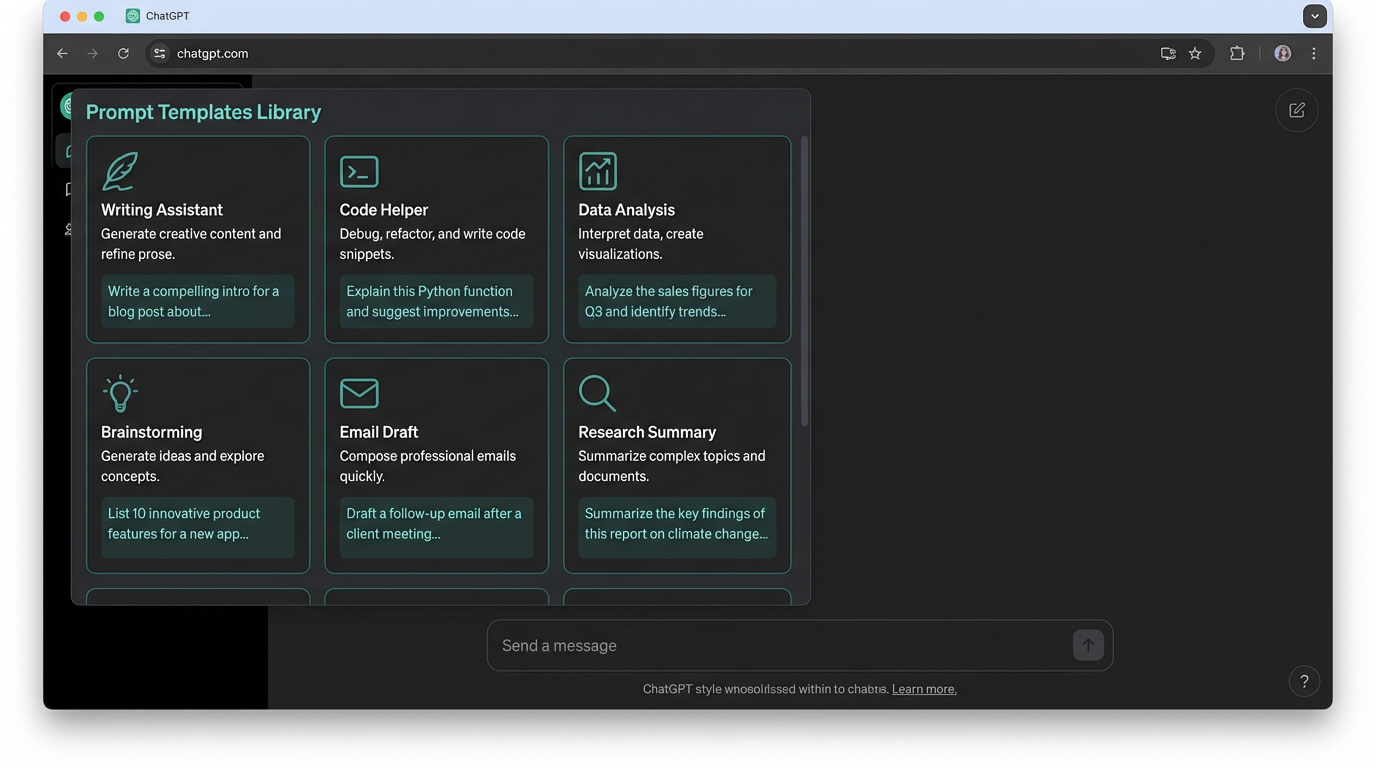
Create reusable prompt templates for common tasks:
Meeting Summary Template: "Summarize this meeting transcript:
- Key decisions made
- Action items (who, what, when)
- Open questions
- Next steps
(TRANSCRIPT)"
Email Response Template: "Draft a professional email response to: (EMAIL CONTENT)
Tone: (Professional/Friendly/Firm) Length: (Concise/Detailed) Objective: (Clarify/Decline/Accept/Request)"
Batch Processing
Process multiple similar items efficiently:
"I'll provide 10 customer reviews. For each, extract:
- Overall sentiment (Positive/Negative/Mixed)
- Key praise points
- Main complaints
- Feature requests
Present results in a table."
Conclusion
Mastering ChatGPT is about understanding its capabilities, structuring effective prompts, and developing workflows that fit your specific needs. The techniques in this guide represent hundreds of hours of real-world testing and refinement.
Start with the basics—clear prompts and focused conversations. Then gradually incorporate advanced techniques like chain-of-thought prompting, custom instructions, and iterative refinement.
The most successful ChatGPT users treat it as a collaborative partner, not a magic solution. They provide context, give feedback, and iterate toward better results.
Next Steps:
- Create 3 prompt templates for your most common tasks
- Set up custom instructions that match your work style
- Practice the iterative refinement workflow on a real project
- Explore plugins that solve your specific challenges
Remember: ChatGPT gets better as you get better at using it. Invest time in mastering these techniques, and you'll see exponential returns in productivity and output quality.
Ready to Implement This Workflow?
Start using ChatGPT today and follow this step-by-step guide to save hours every week.
Start with ChatGPT Free