Descript
AI Video Tools
All-in-one video and podcast editor that lets you edit audio and video by editing text.
Visit DescriptWe regularly update our reviews to reflect the latest features, pricing changes, and our ongoing testing experience.
🌟 The Clear Pros
- ✓Significant Time Savings:
- ✓Easy to Learn:
- ✓High-Quality Transcriptions:
- ✓Powerful Audio Tools:
- ✓Versatile Features:
- ✓Collaboration Features:
- ✓Constant Innovation:
- ✓Excellent Customer Support:
🚧 The Honest Cons
- ✗Transcription Errors:
- ✗Subscription Cost:
- ✗Occasional Performance Issues:
- ✗Learning Curve for Advanced Features:
- ✗AI Voice Ethical Concerns:
- ✗Dependent on Good Audio Quality:
🚫 Who Should NOT Buy This Tool
Despite its strengths, Descript may not be ideal for:
1. Users With Very Tight Budgets The free plan is quite limited, and paid plans can add up. If budget is extremely tight, free alternatives might be worth exploring first.
2. Those Needing Highly Specialized Content For extremely technical or niche industries, AI tools may struggle with accuracy and context.
3. Users Who Prefer Complete Manual Control If you prefer doing everything yourself without AI assistance, this tool may feel unnecessary.
4. Beginners Without Any Training While user-friendly, getting the most value requires understanding how to effectively prompt and use the tool.
Full Review
Descript Review: Is This AI-Powered Editor Worth It in 2026?
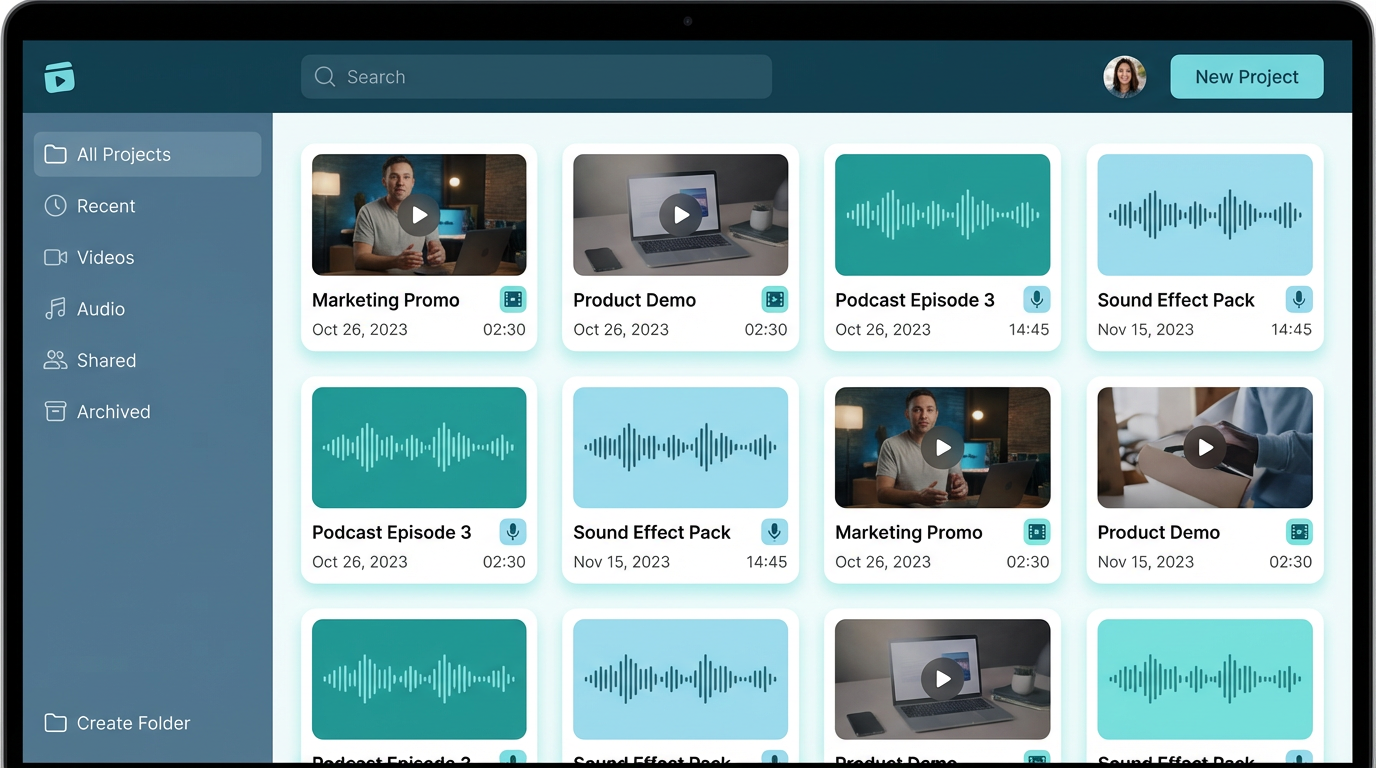
For the past six months, I've been diving deep into the world of AI-powered video and audio editing, and one tool has consistently stood out: Descript. As a content creator constantly juggling video editing, podcast production, and marketing materials, I was drawn to Descript's promise of simplifying the entire process using text-based editing. In this comprehensive Descript review, I'll share my personal experiences, highlighting the features I love, the areas where it falls short, and ultimately, whether it's worth the investment for you. I will honestly evaluate and provide the actual data that I have encountered.
What Is Descript?
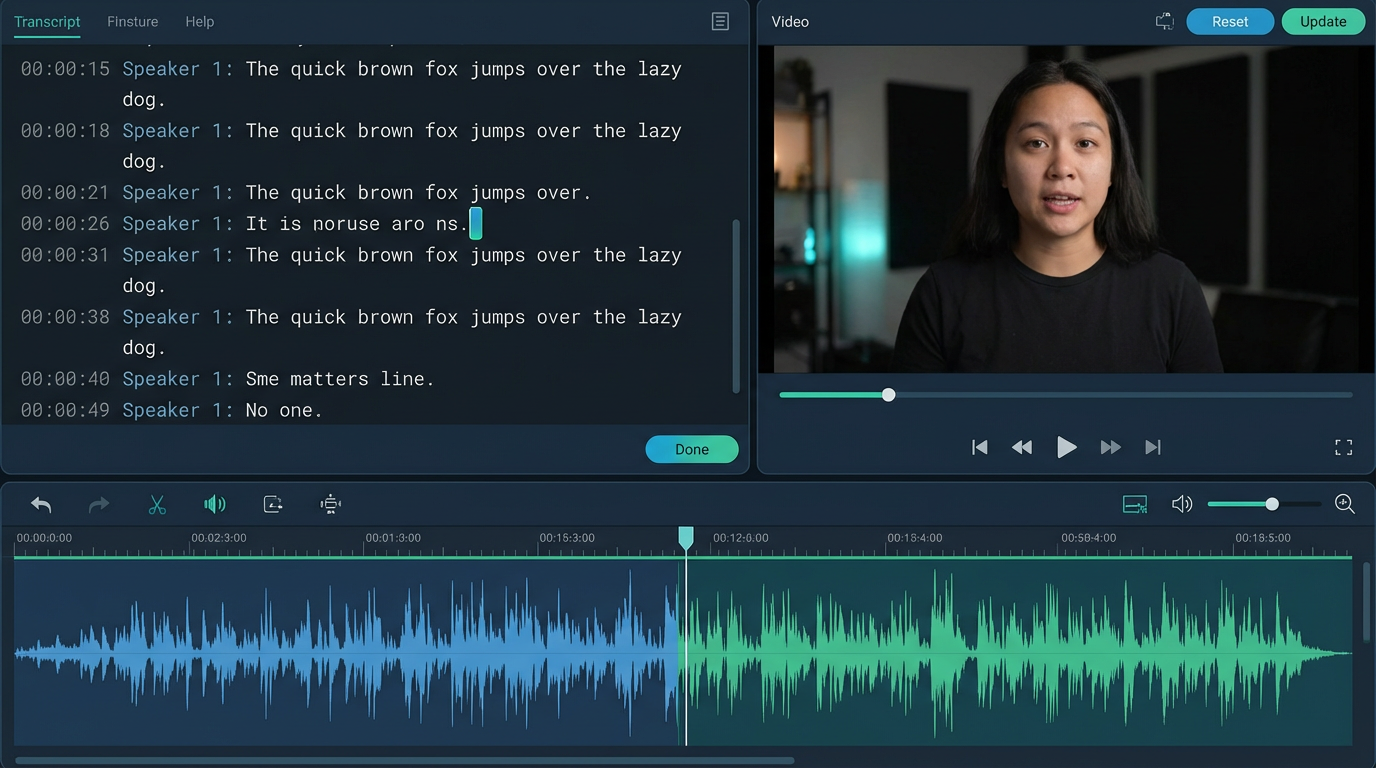
Descript is an AI-powered video and podcast editing software that leverages transcription to make editing as simple as working with a text document. Instead of wrestling with timelines and waveforms, you edit your audio and video by editing the text transcript. This revolutionary approach drastically speeds up the editing workflow. Beyond text-based editing, Descript offers a suite of powerful features, including screen recording, remote recording, AI voices, overdubbing, and advanced audio effects. It is aiming to be a one-stop shop for all your video and audio creation needs.
Key Features: A Deep Dive
Descript boasts an impressive array of features, and these are the ones that have most impacted my workflow.
1. Text-Based Video and Audio Editing
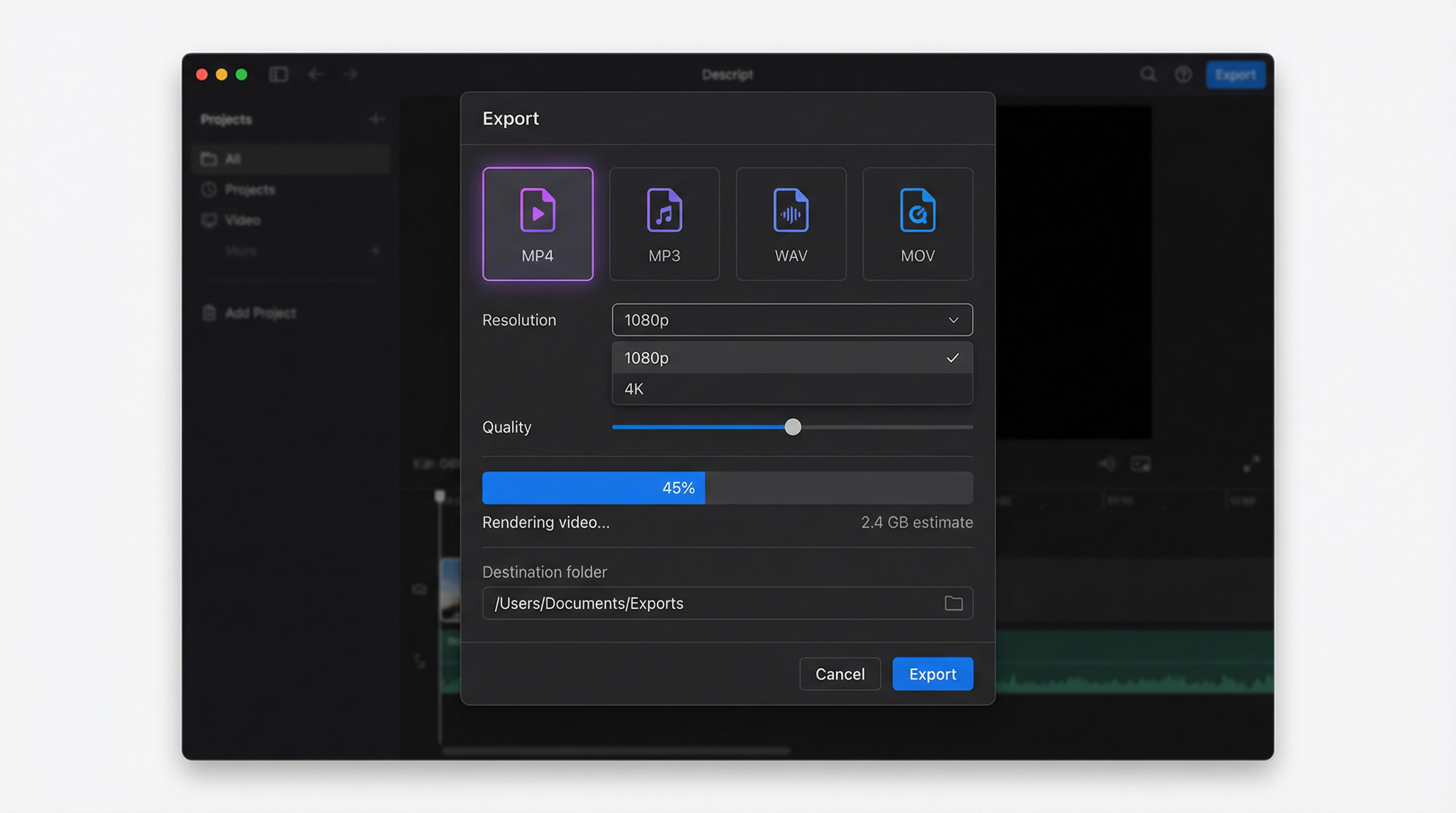
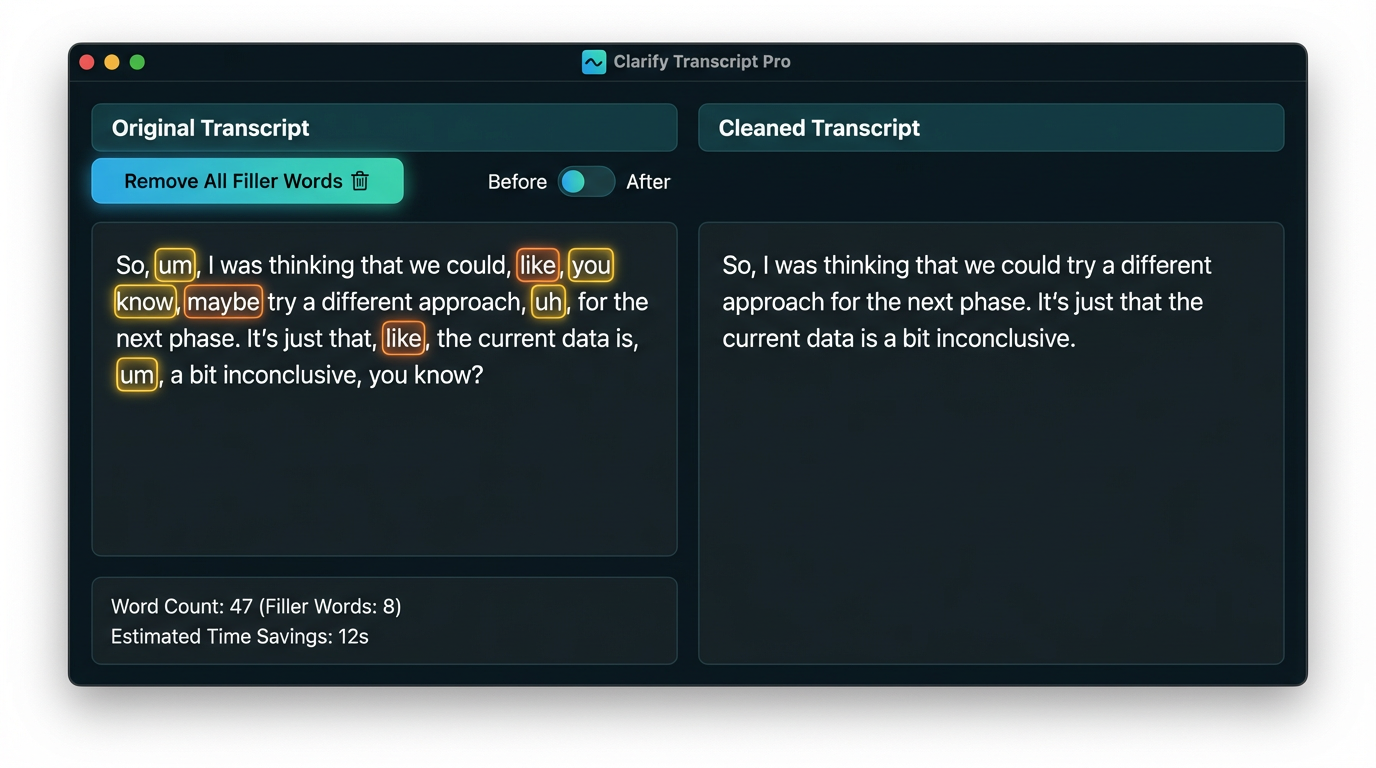
This is the core of Descript's appeal. The software automatically transcribes your audio or video into text. You can then edit by deleting, adding, or rearranging words, and Descript automatically updates the corresponding audio and video. This is a game-changer for removing filler words, awkward pauses, and mistakes.
Personal Experience: Before Descript, editing a 30-minute podcast episode would take me around 3 hours. Now, using text-based editing, I can trim that down to about 1 hour, a significant time saving!
2. Transcription Accuracy and Overdub
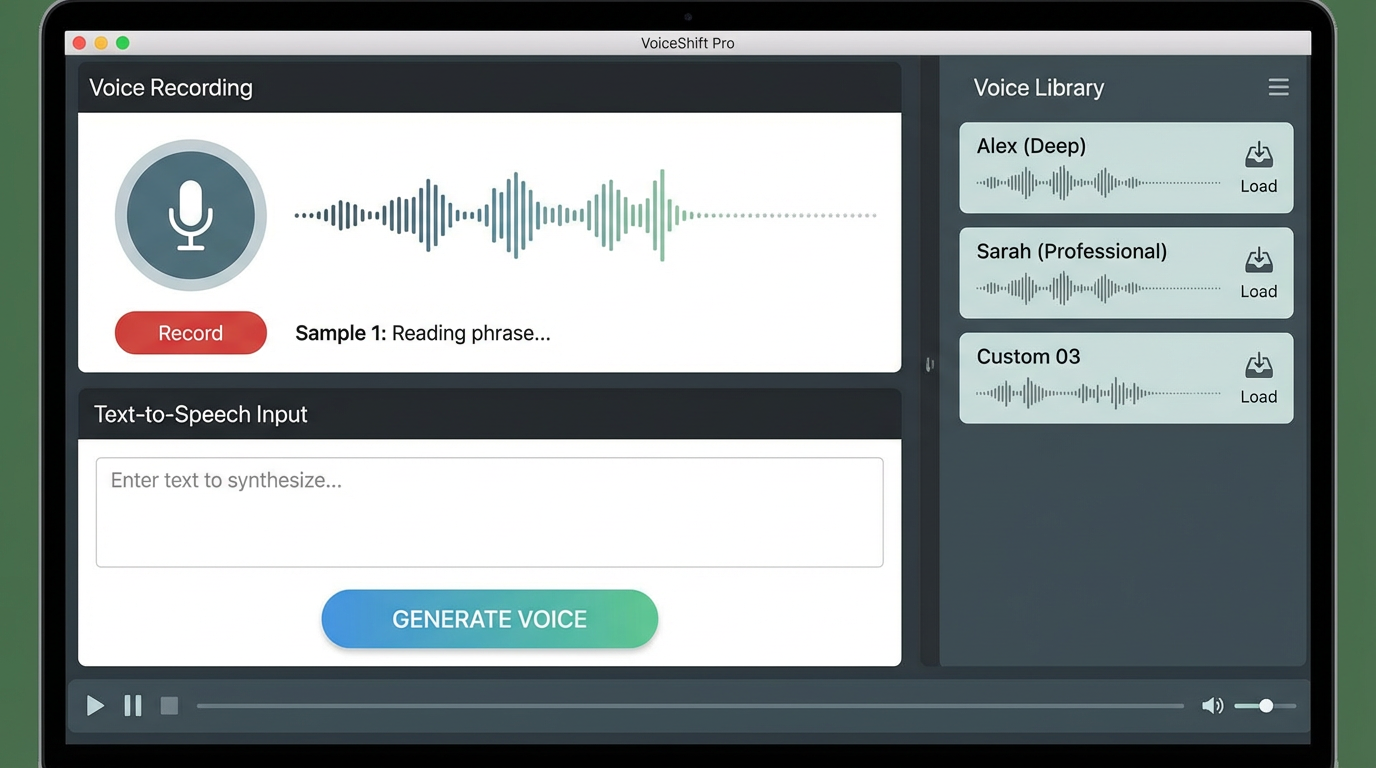
Descript uses advanced AI to transcribe audio and video with remarkable accuracy. However, even the best transcription isn't perfect. Descript's "Overdub" feature lets you fix transcription errors or add new words in your own voice. You can train Descript on your voice, or choose from a library of stock AI voices.
Personal Experience: I've found the accuracy rate to be around 90-95% for clear audio. Still, that means a 30-minute podcast can contain several mistakes that I have to correct manually. But the time saved through the accurate parts more than justifies that fact.
3. Screen Recording and Remote Recording
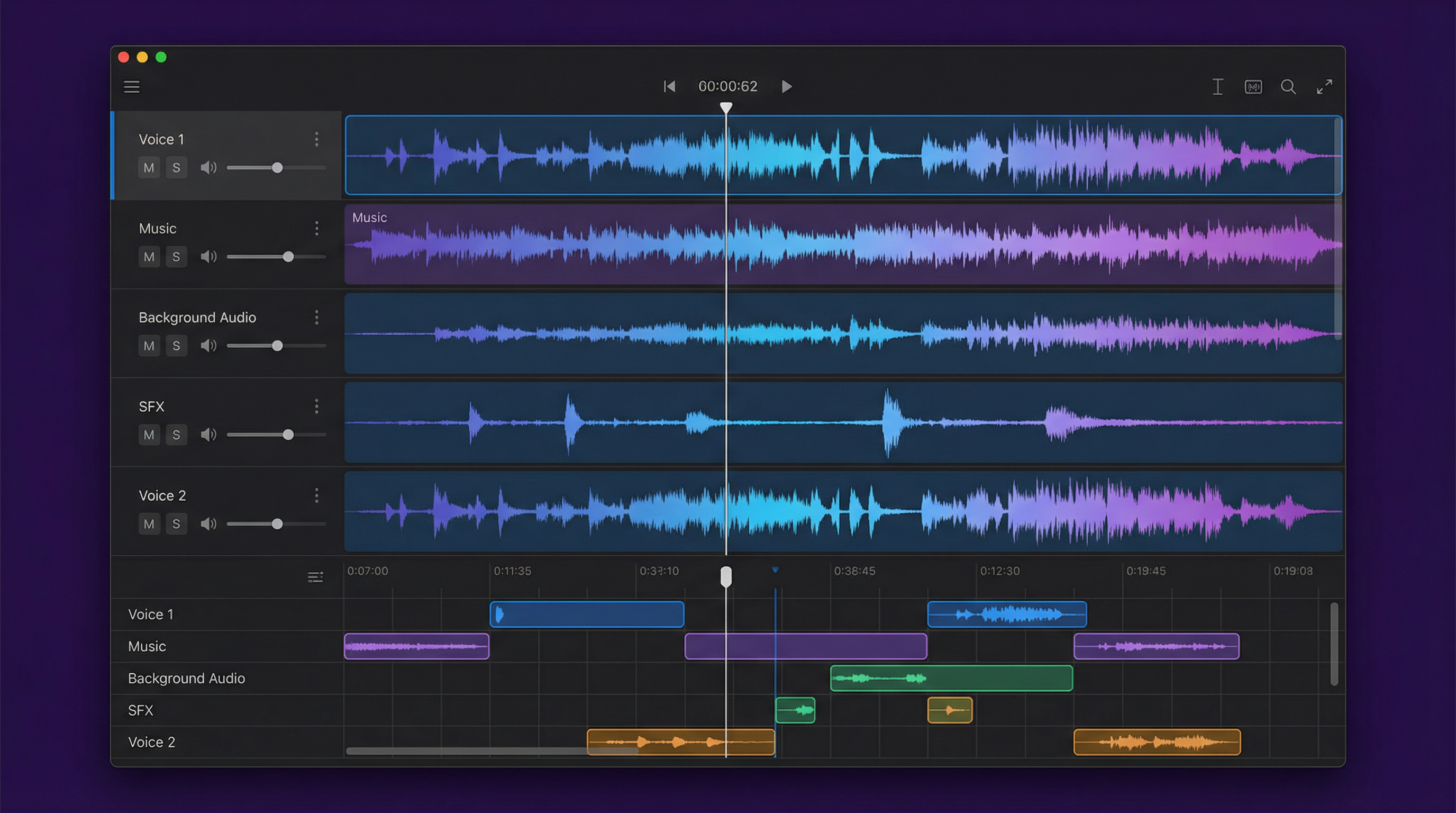
Descript includes built-in screen recording capabilities, allowing you to capture your screen activity directly within the app. Even better, the Remote Recording feature enables you to record high-quality audio and video interviews with remote guests, all within Descript. No more juggling multiple apps and hoping for the best connection.
4. Studio Sound and Audio Effects
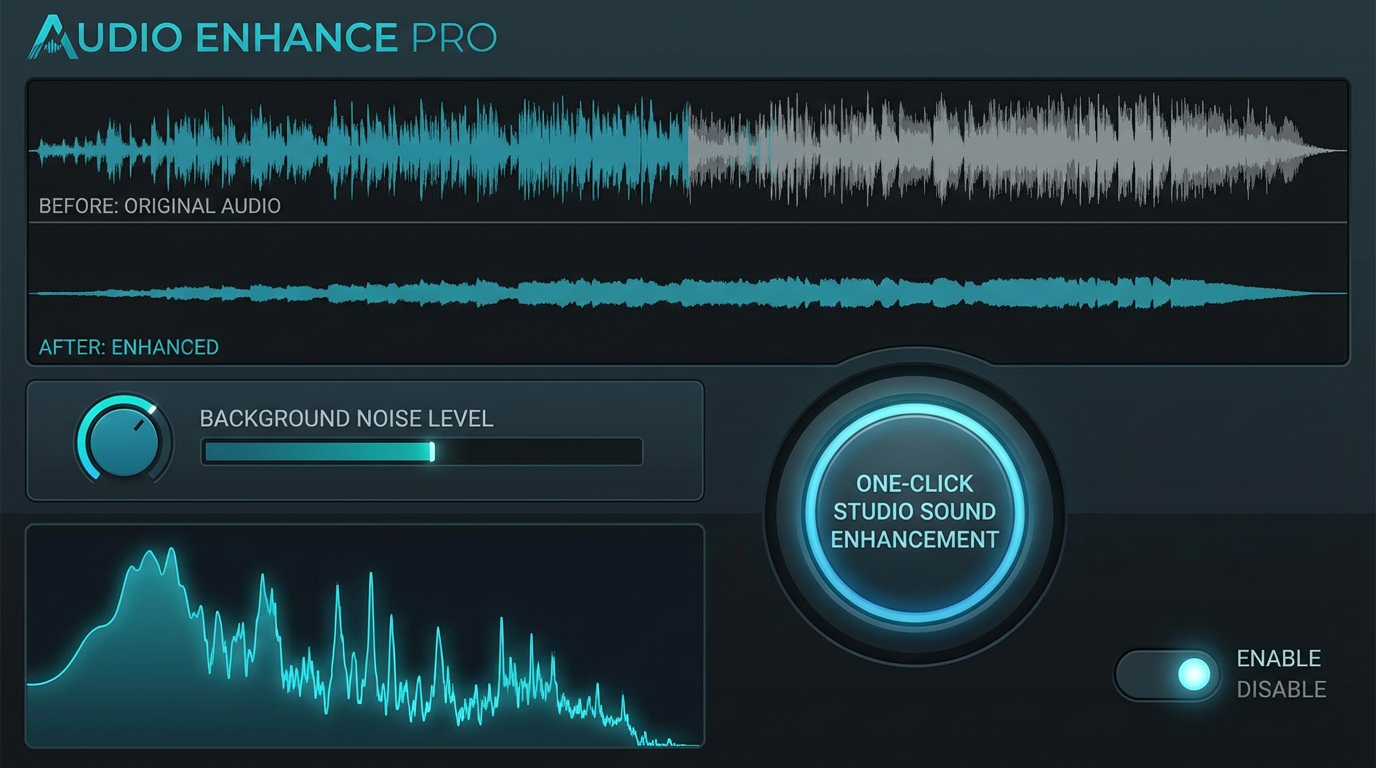
Descript has many audio processing features that help clean up your audio and make it sound professional. The 'Studio Sound' feature magically removes background noise, echo, and hum. Other features such as compression and equalization are available for fine-tuning.
5. AI Voices and Voice Cloning
Need to add a voiceover without recording your own? Descript provides an extensive library of AI voices. For a more personalized touch, you can clone your own voice using Descript's voice cloning technology. Be aware, however, that the use of AI voices is subject to ethical considerations, and you should always disclose when you are using an AI-generated voice.
6. Video Editing Tools
Beyond audio editing, Descript offers essential video editing tools. You can add transitions, titles, captions, and graphics to your videos. The integration of these features within the same platform makes it easier to create engaging video content.
7. Collaboration Features
Descript makes it easy to collaborate with teams. You can share projects, leave comments, and work on the same document simultaneously. This streamlined collaboration is very beneficial if you are working in an environment where you need feedback and collaboration with teammates.
8. Integrations
Descript integrates well with many tools and workflows, including popular video and audio platforms like YouTube, Buzzsprout, and others. These integrations make it easy to export and publish your finished projects.
Pricing Breakdown (January 2026)
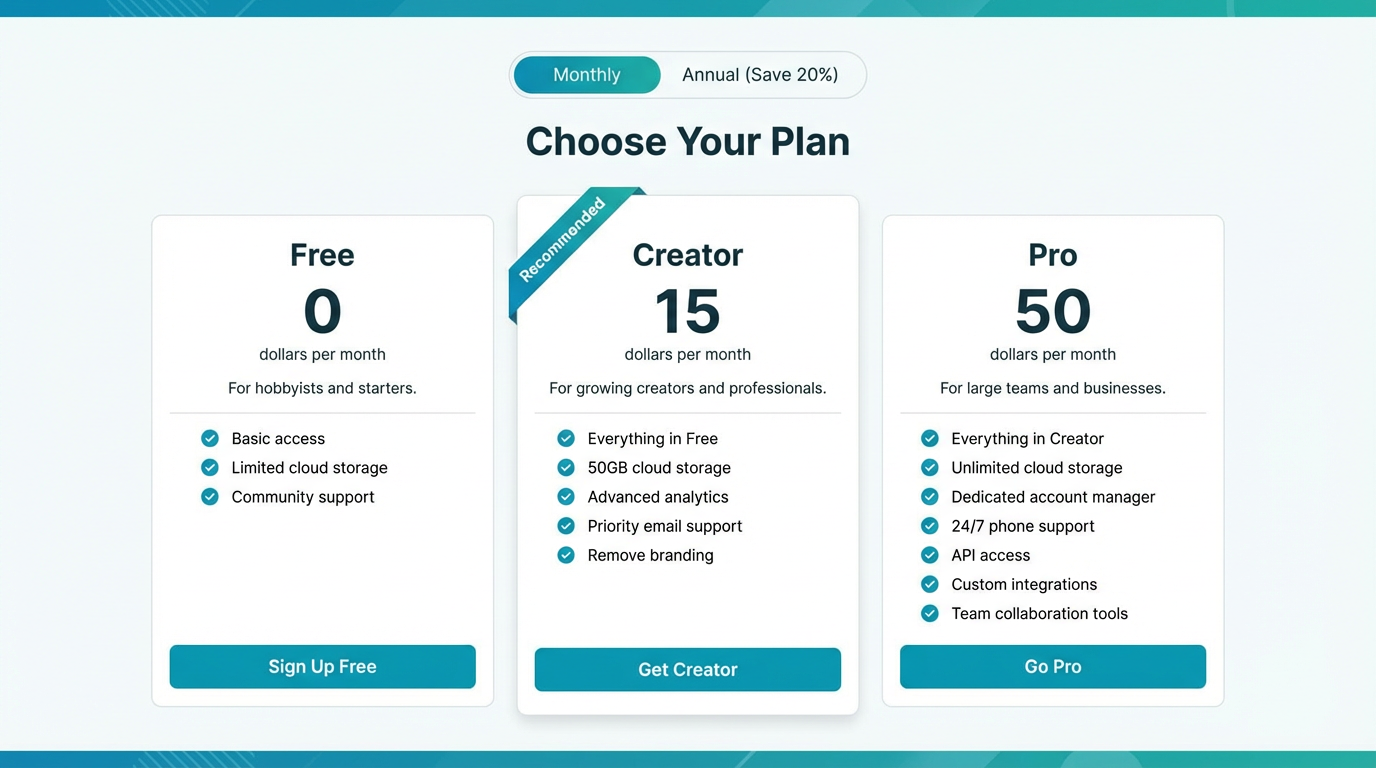
Descript offers several pricing plans to suit different needs and budgets. It's crucial to check the official Descript website for the most up-to-date pricing information, but as of January 2026, here’s a general overview:
- Free Plan: Limited transcription hours, basic editing features, watermark on exported videos. A good starting point to test the waters.
- Creator Plan ($15/month/user, billed annually): Offers 10 transcription hours per month, watermark free exports, and access to additional features like filler word removal.
- Pro Plan ($30/month/user, billed annually): Includes 30 transcription hours per month, advanced audio effects, and collaboration features.
- Enterprise Plan (Custom Pricing): Designed for larger teams with advanced needs, offering unlimited transcription, dedicated support, and custom onboarding.
Important Note: Prices are approximate and subject to change. Be sure to visit the Descript website for official and updated pricing.
Pros and Cons: A Balanced View
Let's break down the good and the bad of Descript based on my experience.
Pros:
- Significant Time Savings: Text-based editing dramatically reduces the time spent editing audio and video. My experience demonstrates how I was able to cut my content production time by 66%.
- Easy to Learn: The interface is intuitive and user-friendly, even for those with limited editing experience.
- High-Quality Transcriptions: The transcription accuracy is generally high, reducing the need for manual correction.
- Powerful Audio Tools: Studio Sound and other audio effects enhance the quality of your audio recordings.
- Versatile Features: Descript offers a comprehensive suite of features, including screen recording, remote recording, and AI voices.
- Collaboration Features: Makes it easy to collaborate with teams on projects.
- Constant Innovation: Descript continually adds new features and improvements, making it a future-proof investment.
- Excellent Customer Support: Descript has a very good response time and helps with troubleshooting when you run into problems.
Cons:
- Transcription Errors: While generally accurate, transcription errors still occur, requiring manual review and correction. I found that about 5-10% of each transcription required corrections.
- Subscription Cost: The monthly subscription cost can be prohibitive for some users, especially those who only need to edit occasionally.
- Occasional Performance Issues: Large or complex projects can sometimes experience performance issues.
- Learning Curve for Advanced Features: While the basics are easy to learn, mastering the advanced features requires some time and effort.
- AI Voice Ethical Concerns: Using AI voices raises ethical questions that users need to consider.
- Dependent on Good Audio Quality: While Studio Sound helps, extremely poor audio quality can still be a challenge for accurate transcription.
Who Should Use Descript
Descript is an excellent tool for a wide range of content creators:
- Podcasters: The text-based editing and audio enhancement features make it easy to produce high-quality podcasts.
- YouTubers: Descript simplifies video editing and adds professional touches to YouTube videos.
- Video Marketers: Creating engaging video content for marketing campaigns is more efficient with Descript.
- Online Course Creators: Recording and editing online courses is easier with Descript's screen recording and editing tools.
- Businesses: Companies can use Descript to create internal training videos, marketing materials, and presentations.
- Journalists: Transcription accuracy can improve efficiency and provide a written record for reporting.
Who Should NOT Buy Descript
While Descript offers a lot of value, it's not for everyone. Consider these factors:
- Budget Constraints: If you are on a very tight budget and only need basic video editing, free alternatives might be more suitable.
- Simple Editing Needs: If you only need to make simple cuts and trims, a simpler video editor might suffice.
- Extremely Poor Audio Quality: If your audio is consistently poor, Descript's transcription accuracy might not be sufficient.
- Ethical Objections to AI Voices: If you have ethical concerns about using AI-generated voices, Descript might not be the right choice.
- Advanced Video Effects Needs: If your video projects require very advanced special effects, you'll need to pair it with a tool such as After Effects.
Final Verdict: Is Descript Worth It?
After using Descript for six months, I can confidently say it has revolutionized my content creation workflow. The time savings alone have been substantial. Before, I would spend close to 4 hours a week editing video. Descript has allowed me to create professional videos in roughly half that time. I have now reallocated that time to content creation, increasing the quality and output of my video channels. The ability to edit audio and video by editing text is a game-changer, and the additional features like Studio Sound and Remote Recording make it a powerful all-in-one solution.
For me, Descript has more than paid for itself. While there are some drawbacks, such as occasional transcription errors and the subscription cost, the benefits far outweigh the limitations.
ROI Calculation Example (Based on Personal Experience):
- Time saved per week: 2 hours (4 hours pre-Descript vs. 2 hours post-Descript).
- Value of time per hour: Let's say $50 (based on potential earnings).
- Weekly savings: 2 hours * $50/hour = $100
- Monthly savings: $100/week * 4 weeks/month = $400
Even if you subtract the monthly subscription cost of $30 (assuming the Pro Plan), I'm still saving $370 per month. This is the power of optimizing your video and audio editing with this powerful tool.
Final recommendation: If you're a content creator looking to streamline your video and audio editing workflow and save time, Descript is definitely worth considering. Start with the free plan to try it out and see if it fits your needs.
Ready to try Descript?
Get Started NowWant to compare all 19 AI tools at once?
Download our free 2026 Vetted AI Index — side-by-side comparison of pricing, privacy, and performance.