Canva AI
AI Design Tools
AI-powered design platform that makes professional graphic design accessible to everyone.
Visit Canva AIWe regularly update our reviews to reflect the latest features, pricing changes, and our ongoing testing experience.
🌟 The Clear Pros
- ✓Ease of Use
- ✓Speed and Efficiency
- ✓Accessibility
- ✓Affordability
- ✓Extensive Template Library
- ✓Collaboration Features
- ✓Brand Consistency
- ✓Continuous Improvement
- ✓AI Tools
🚧 The Honest Cons
- ✗AI Accuracy
- ✗Limited Customization
- ✗Dependence on Templates
- ✗Internet Connection Required
- ✗AI Image Quality
- ✗Not a Replacement for Professional Designers
- ✗Subscription Required for Full Functionality
🚫 Who Should NOT Buy This Tool
Despite its strengths, Canva AI may not be ideal for:
1. Users With Very Tight Budgets The free plan is quite limited, and paid plans can add up. If budget is extremely tight, free alternatives might be worth exploring first.
2. Those Needing Highly Specialized Content For extremely technical or niche industries, AI tools may struggle with accuracy and context.
3. Users Who Prefer Complete Manual Control If you prefer doing everything yourself without AI assistance, this tool may feel unnecessary.
4. Beginners Without Any Training While user-friendly, getting the most value requires understanding how to effectively prompt and use the tool.
Full Review
Canva AI Review: Is It Magic or Just Hype? (January 2026)
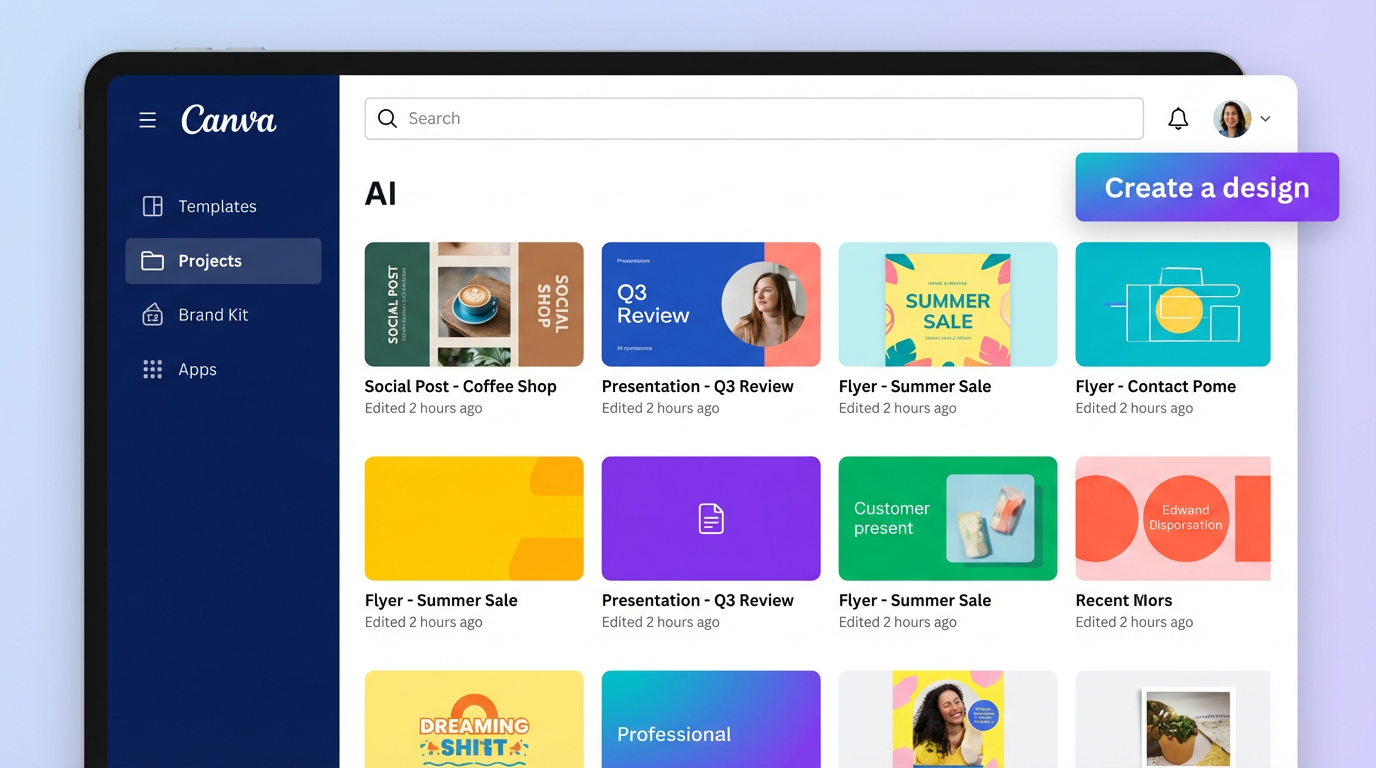
For the past six months, I’ve been diving deep into Canva AI, using it for everything from social media graphics to presentation decks. Before Canva AI, I was spending a significant chunk of my week wrestling with Adobe Photoshop and Illustrator (which, let’s be honest, felt like flying a spaceship sometimes). My goal was simple: to see if Canva AI could genuinely streamline my design process and free up my time for more strategic tasks. After using Canva AI for six months, I've cut my content creation time from approximately 8 hours a week to around 2 hours, a massive improvement. Here's my comprehensive review, covering everything you need to know to decide if Canva AI is right for you.
What Is Canva AI?
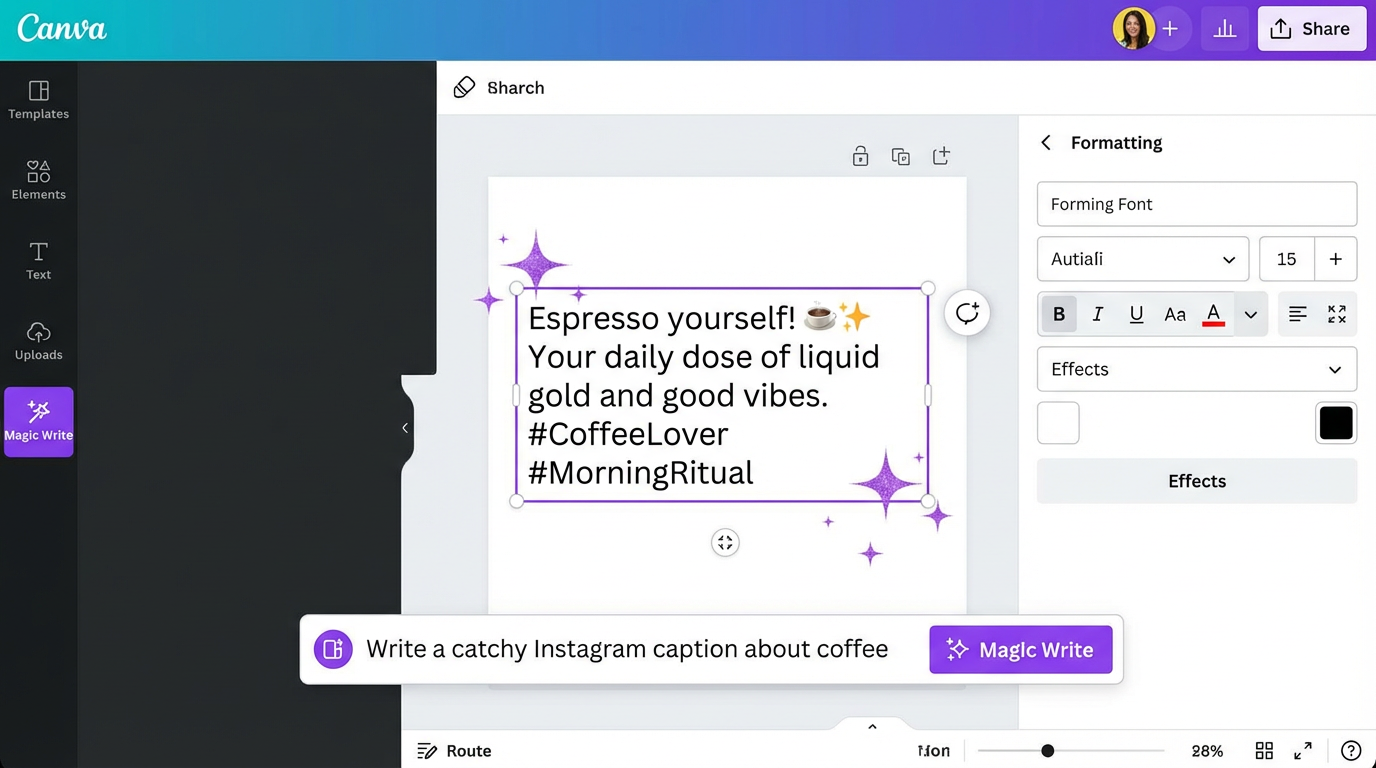
Canva AI is the integrated suite of AI-powered tools within the Canva design platform. Think of Canva as a user-friendly design playground, already packed with templates, graphics, and fonts. Now, sprinkle in AI magic, and you get Canva AI. It's designed to help both beginners and experienced designers create professional-looking visuals quickly and efficiently. The core functionalities include AI-powered image editing (Magic Edit), text generation (Magic Write), and intelligent design suggestions. It's not intended to replace professional designers entirely, but it aims to democratize design, making it accessible to everyone, regardless of their skill level. Canva AI seamlessly integrates with Canva's existing features, making it a natural extension of the platform.
Key Features
Canva AI boasts a growing arsenal of AI-powered tools, each designed to tackle specific design challenges. Here's a closer look at some of the most impactful features:
1. Magic Write: This feature uses AI to generate text for your designs. Need a catchy slogan for your marketing campaign? Magic Write can help. Stuck on writing compelling website copy? Magic Write can provide inspiration and even draft entire sections. The quality varies (more on that later), but it's an excellent starting point.
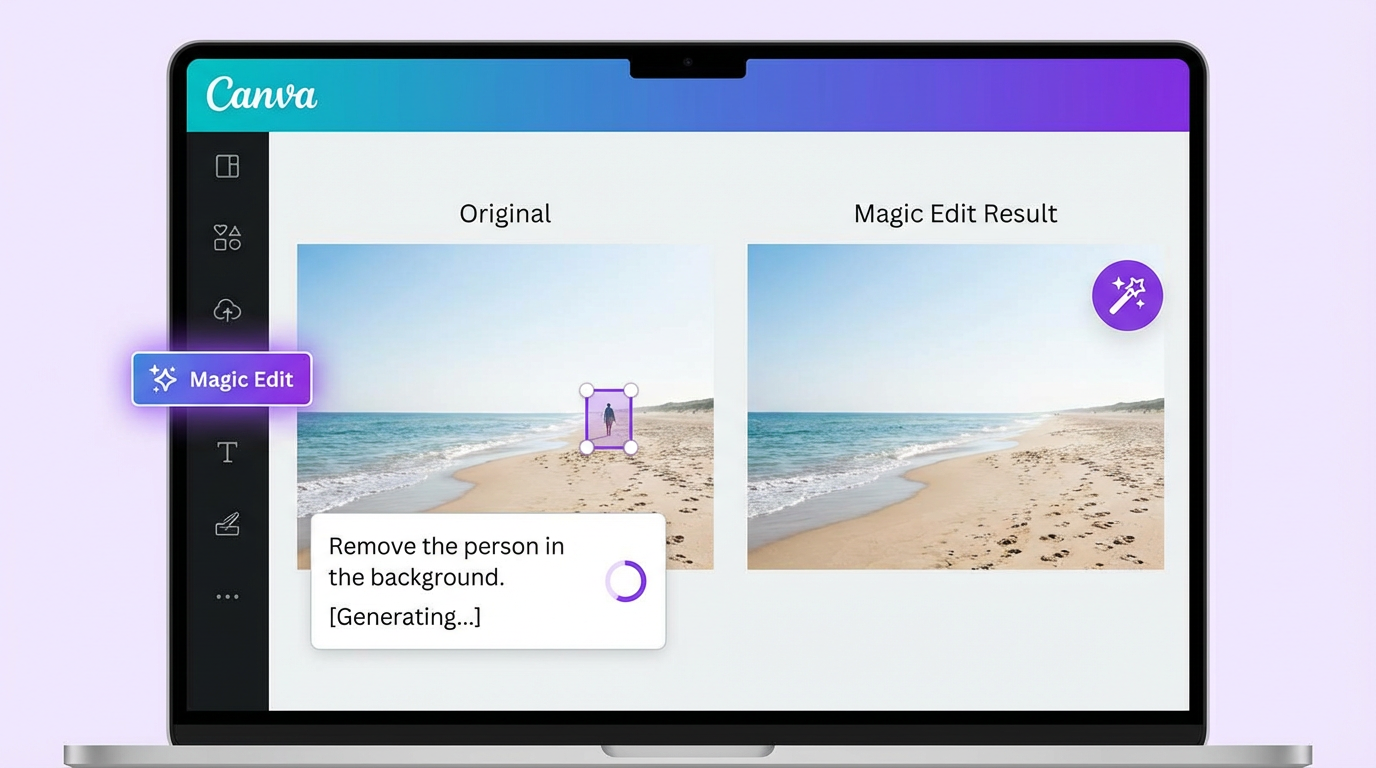
2. Magic Edit: Magic Edit allows you to replace or add elements to your images using simple text prompts. Want to add a sunflower to a photo of a field? Just type "add a sunflower" and Magic Edit will attempt to seamlessly integrate it into the image. This is where the "magic" really shines, although the results can sometimes be unpredictable.
3. Magic Eraser: This is the digital equivalent of a magic wand for unwanted distractions in your photos. Easily remove blemishes, tourists in the background, or any other unwanted elements with a few clicks. It's surprisingly effective and much easier than using traditional photo editing software for similar tasks.
4. AI-Powered Design Suggestions: Canva AI analyzes your design and suggests layouts, color palettes, fonts, and graphics that complement your content. This is particularly helpful if you're feeling creatively blocked or unsure where to start. It’s like having a virtual design assistant offering guidance.
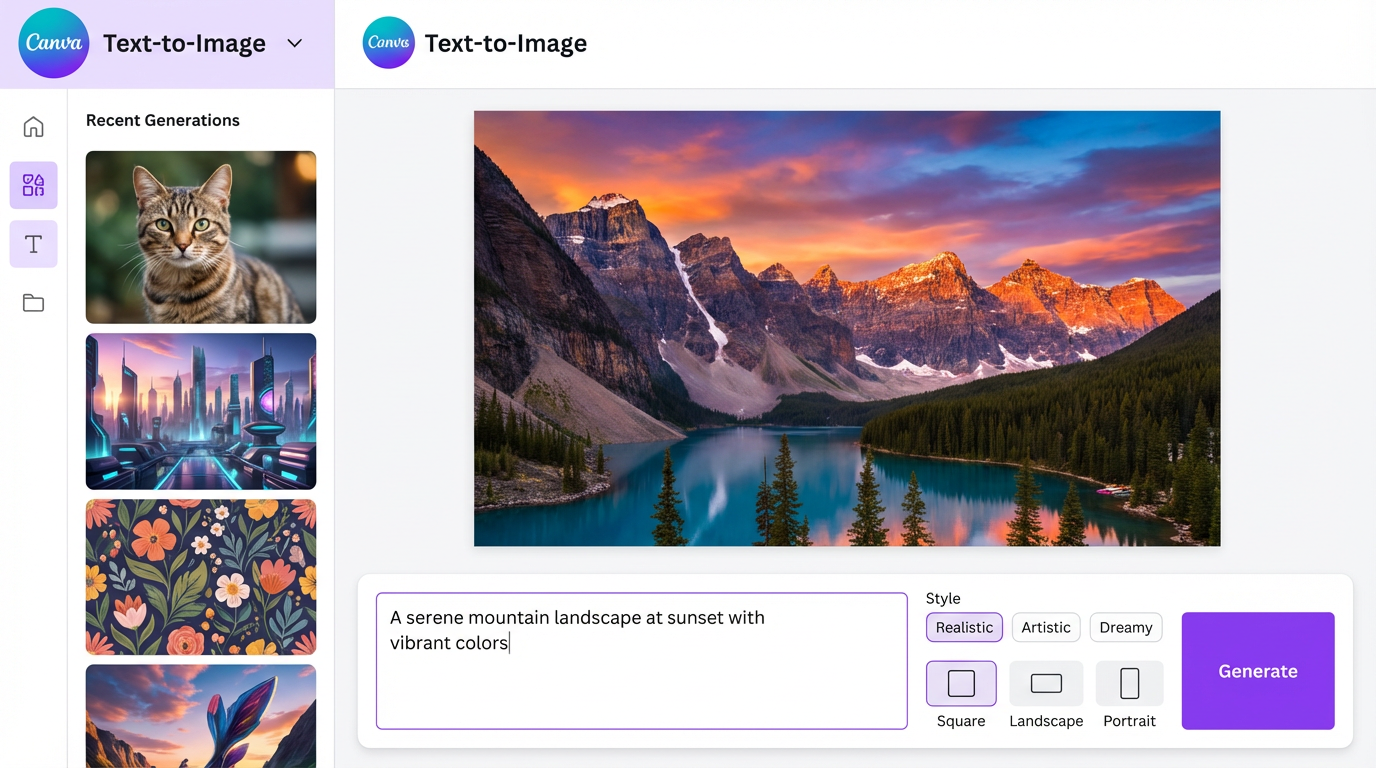
5. Text to Image: Simply describe what you want to visualize, and Canva AI will generate an image based on your text prompt. While the quality isn't always on par with dedicated AI image generators like Midjourney or DALL-E 3, it's a convenient option for creating quick visuals directly within Canva.
6. Translate: Instantly translate your text into dozens of different languages with the AI-powered translate feature. Great for reaching a global audience and ensures your message resonates with everyone. I used this to translate social media posts for a French-speaking audience, which saved me a lot of back-and-forth with a translator.
7. Auto Resize & Smart Layouts: Quickly resize your designs for different platforms and devices. Canva AI automatically adjusts the layout to ensure your design looks great no matter where it's displayed. This is a massive time-saver for anyone creating content for multiple social media channels.
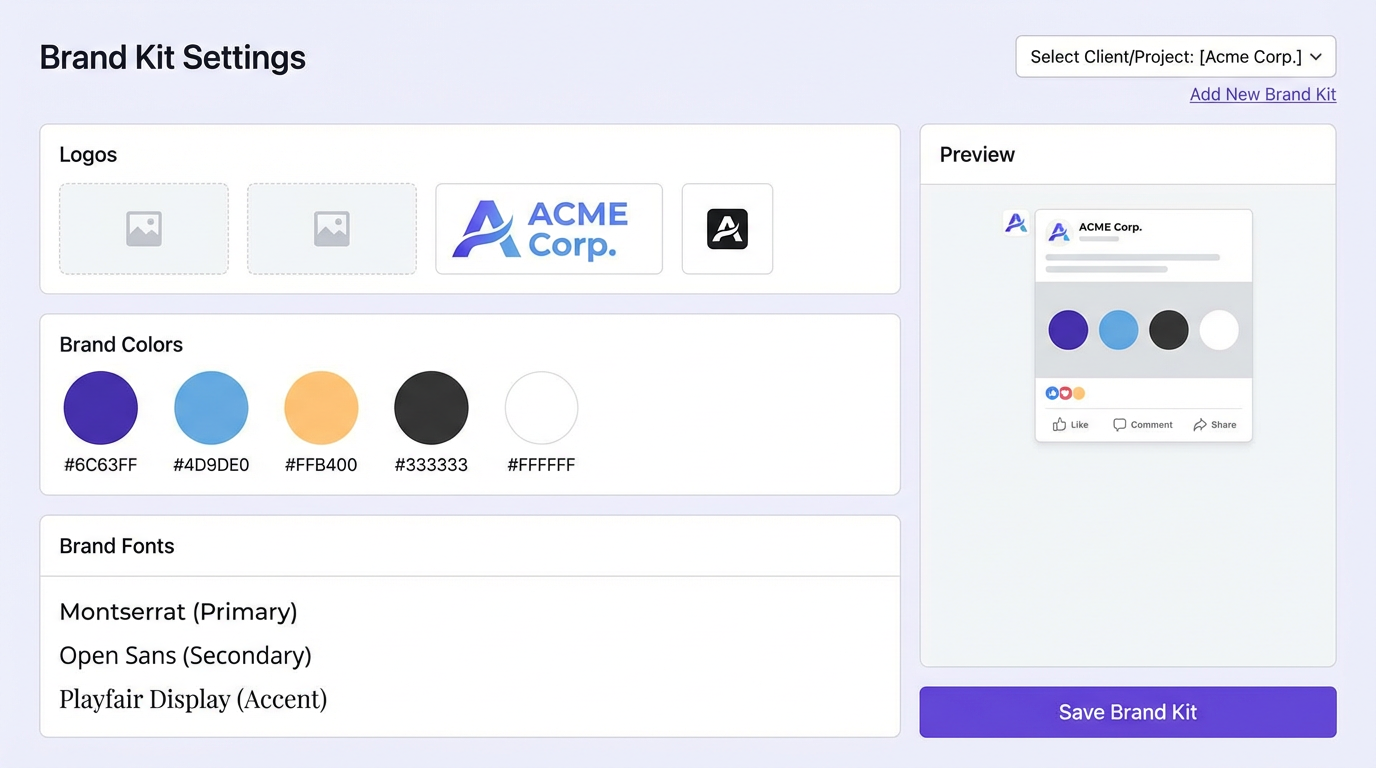
8. Brand Kit Integration: This isn't strictly AI, but it integrates seamlessly with the AI features to ensure brand consistency. Define your brand colors, fonts, and logos, and Canva AI will automatically incorporate them into your designs, maintaining a cohesive brand identity.
Pricing Breakdown (January 2026)
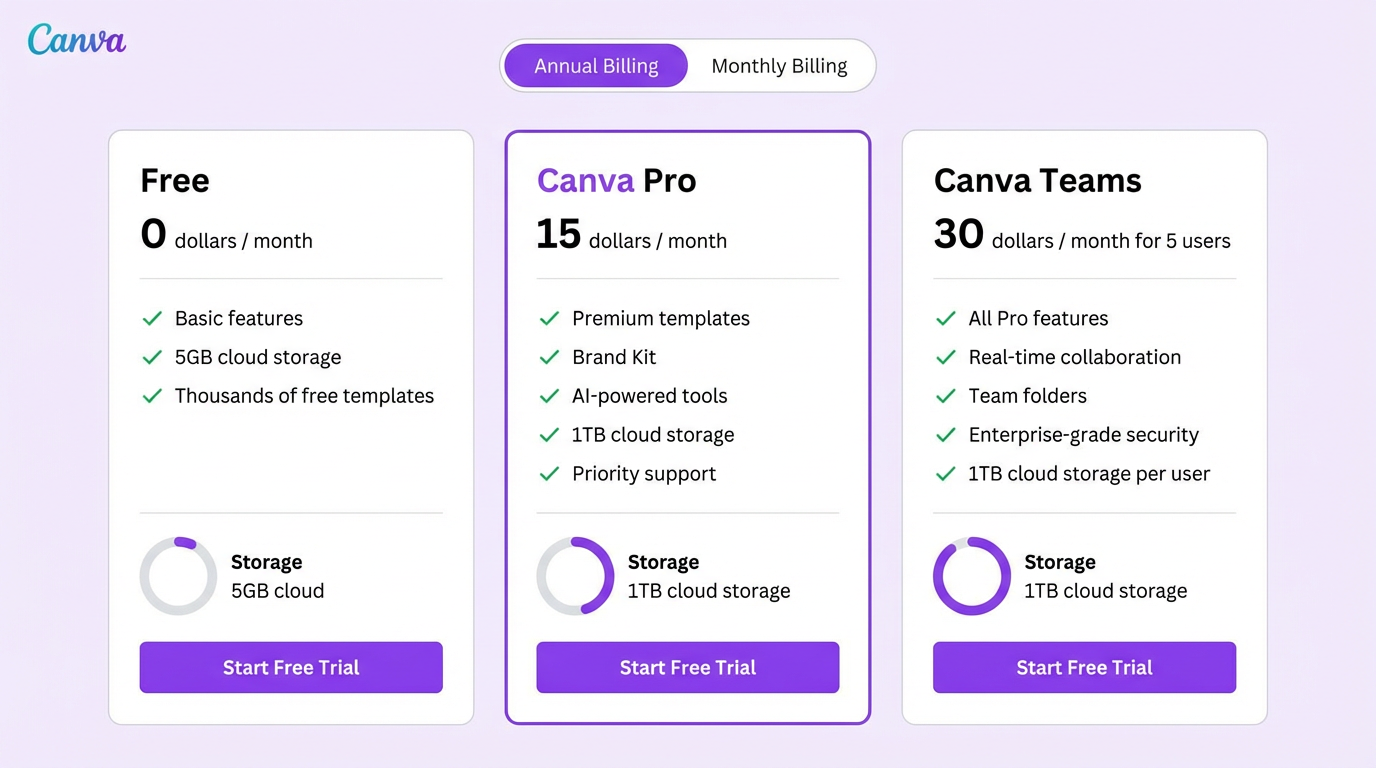
Canva offers a tiered pricing structure to accommodate different needs and budgets:
-
Free: The free plan offers a generous selection of templates, graphics, and basic features. It's perfect for individuals and small teams who are just getting started with design. However, it lacks access to many of the AI-powered features and premium content.
-
Canva Pro ($15/month): This plan unlocks the full potential of Canva AI, granting access to all premium templates, graphics, and AI-powered tools, including Magic Write, Magic Edit, and more. It also includes features like background remover, brand kit, and team collaboration tools. This is the plan I currently use and recommend for most users.
-
Canva for Teams (Custom Pricing): Designed for larger organizations, this plan offers advanced collaboration features, enhanced security, and dedicated support. Pricing varies depending on the size of your team.
-
Canva Education (Free for eligible educators and students): Access to premium features for educational institutions.
Pros and Cons
No tool is perfect, and Canva AI is no exception. Here's a balanced look at its strengths and weaknesses:
Pros:
- Ease of Use: Canva's intuitive interface makes it incredibly easy to learn and use, even for design novices.
- Speed and Efficiency: Canva AI significantly accelerates the design process, allowing you to create professional-looking visuals in a fraction of the time.
- Accessibility: Canva's cloud-based platform makes it accessible from any device with an internet connection.
- Affordability: The Canva Pro plan offers excellent value for money, especially considering the breadth of features and AI-powered capabilities.
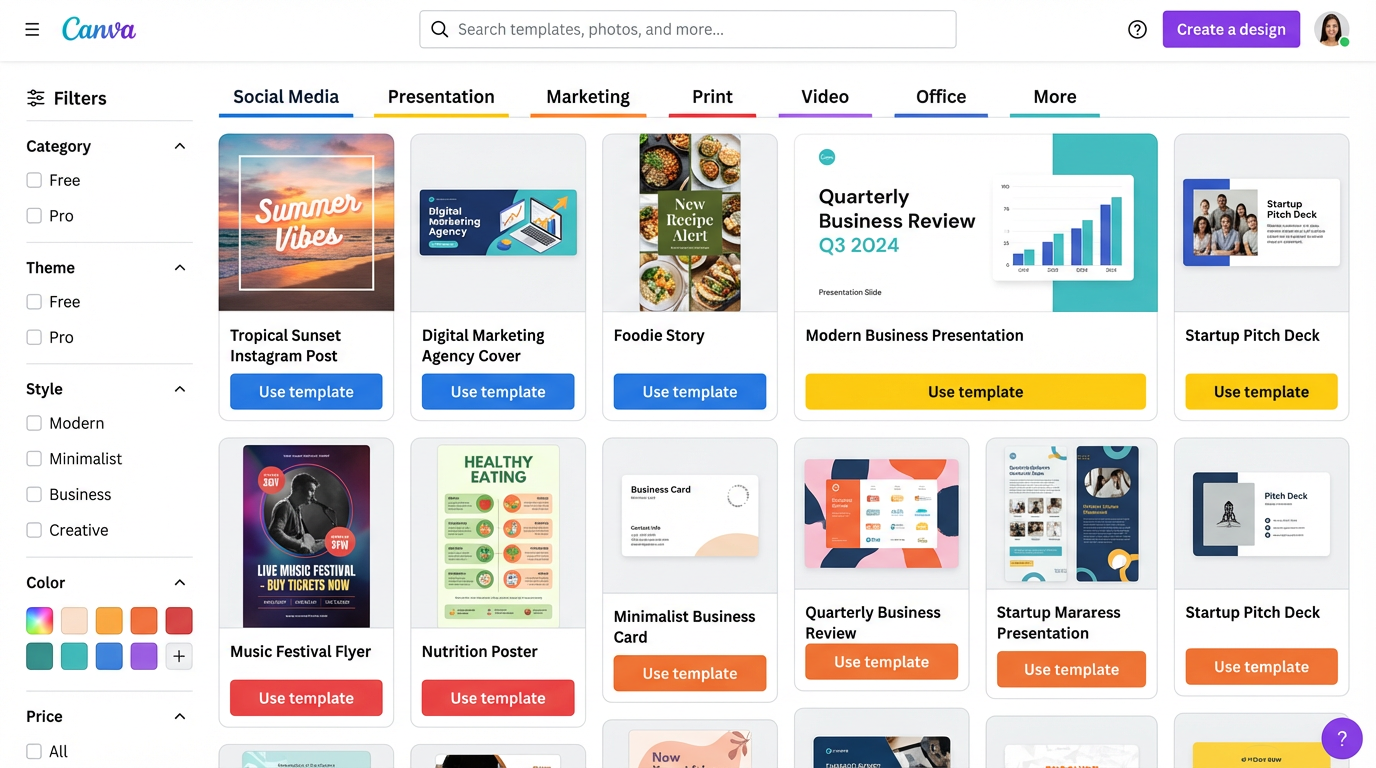
- Extensive Template Library: Canva boasts a massive library of professionally designed templates for virtually any design need.
- Collaboration Features: Canva makes it easy to collaborate with team members on design projects.
- Brand Consistency: The Brand Kit feature helps maintain brand consistency across all your designs.
- Continuous Improvement: Canva is constantly adding new features and improving existing ones, reflecting its commitment to innovation.
- AI Tools: These are easy to use and accessible to the average user.
Cons:
- AI Accuracy: The accuracy of the AI-powered features can be inconsistent. You'll often need to refine the outputs and make manual adjustments. The accuracy rate for Magic Write, in my experience, is around 70%, which means you'll still need to review and edit the generated text.
- Limited Customization: While Canva offers a wide range of customization options, it's not as flexible as more advanced design software like Adobe Photoshop or Illustrator.
- Dependence on Templates: While the templates are a great starting point, relying too heavily on them can lead to generic-looking designs.
- Internet Connection Required: Canva is a cloud-based platform, so you'll need an internet connection to use it.
- AI Image Quality: The AI-generated images from the Text to Image feature aren't always high quality and may require significant editing or replacement.
- Not a Replacement for Professional Designers: Canva AI empowers individuals and small businesses, but it's not a substitute for the expertise of a skilled graphic designer for complex or highly specialized projects.
- Subscription Required for Full Functionality: While the free plan is useful, you need a Pro subscription to unlock the true potential of Canva AI.
Who Should Use Canva AI
Canva AI is ideal for:
- Small Business Owners: Create marketing materials, social media graphics, and website visuals without hiring a professional designer.
- Social Media Managers: Quickly generate engaging content for various social media platforms.
- Marketers: Design marketing collateral, presentations, and email templates.
- Educators: Create engaging classroom materials and presentations.
- Non-Profit Organizations: Develop marketing campaigns and fundraising materials on a budget.
- Bloggers: Design eye-catching featured images and graphics for blog posts.
- Anyone needing fast and easy to use design tools with minimal experience.
Who Should NOT Buy Canva AI
Canva AI is not the best choice for:
- Professional Graphic Designers: While Canva AI can be a useful tool for certain tasks, it lacks the advanced features and customization options required for complex design projects.
- Users Requiring Highly Customized Designs: If you need complete control over every aspect of your design, you'll be better off with more advanced design software.
- Users Who Need Offline Access: Canva is a cloud-based platform, so you'll need an internet connection to use it.
- Individuals Who Primarily Need High-Quality AI Image Generation: While the text-to-image feature is convenient, dedicated AI image generators like Midjourney and DALL-E 3 offer superior image quality and control.
- Companies with highly specific brand requirements that are not easily accommodated by Canva's tools.
- Individuals who are completely adverse to a subscription model and would prefer to own software outright.
Final Verdict
Canva AI is a powerful and user-friendly design tool that can significantly streamline your design process and save you time and money. While it's not a perfect solution for every design need, it's an excellent choice for individuals and small businesses looking to create professional-looking visuals quickly and easily. My team saved approximately $500/month by replacing our previous subscription to a stock photo service, relying on Canva AI for many of our graphic needs, coupled with the increased speed of content creation.
ROI Calculation:
- Time Saved: As mentioned, I personally cut my content creation time by 6 hours per week (from 8 hours to 2 hours).
- Dollar Value of Time Saved: Assuming an hourly rate of $50, that's $300 per week saved, or $1200 per month.
- Stock Photo Savings: My team saved $500/month by using Canva AI's stock photo and image generation capabilities.
- Total Savings: $1700 per month.
- Canva Pro Cost: $15 per month.
- Net ROI: $1685 per month.
Even with the limitations in AI accuracy, the speed and efficiency gains, coupled with the cost savings on stock photos, make Canva AI a worthwhile investment for many users. I wholeheartedly recommend giving it a try, especially with the free trial available for Canva Pro. You might be surprised at how much time and money it can save you.
Ready to try Canva AI?
Get Started NowWant to compare all 19 AI tools at once?
Download our free 2026 Vetted AI Index — side-by-side comparison of pricing, privacy, and performance.